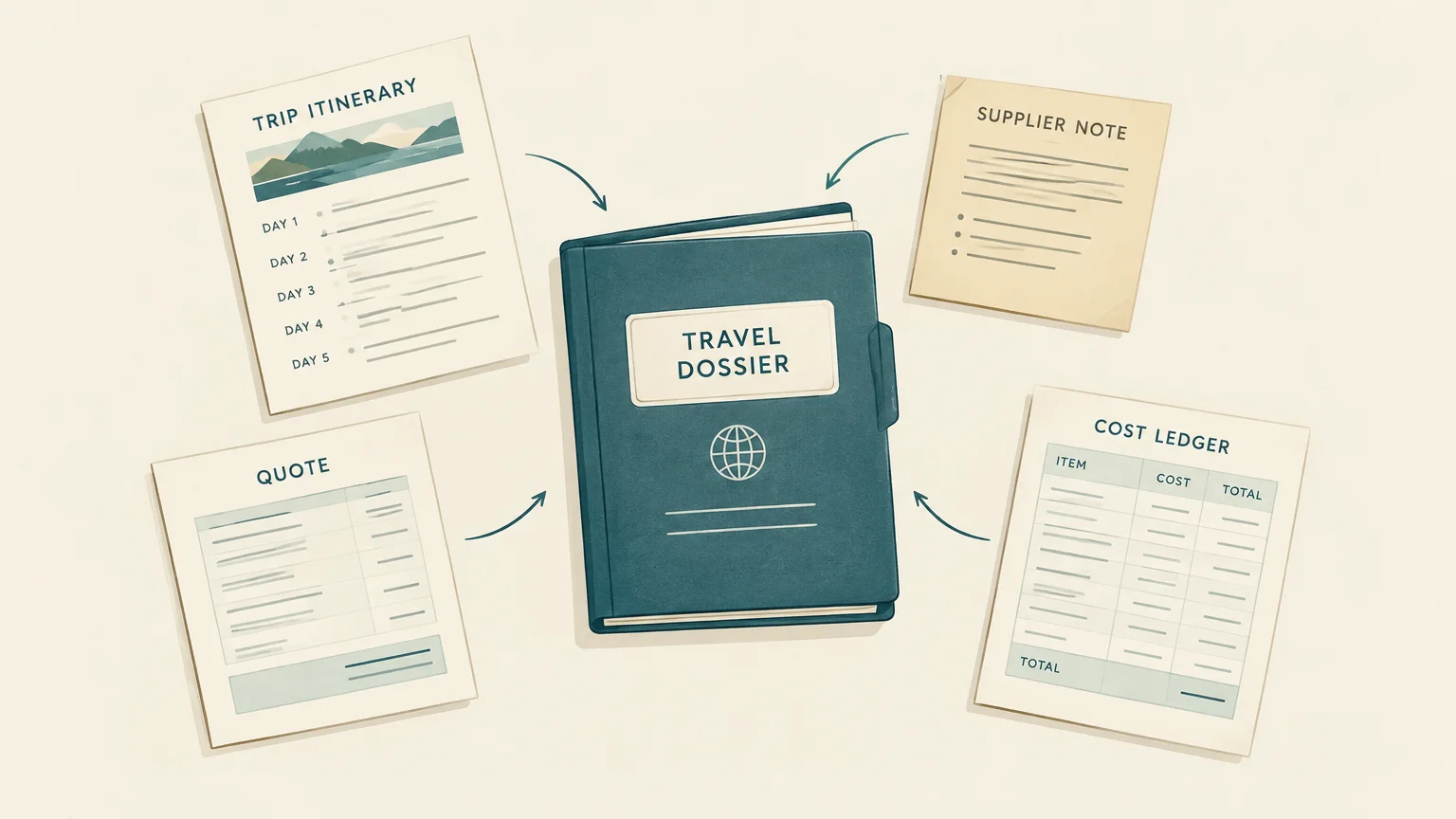
A client request rarely stays in one place: it moves through messages, spreadsheets, supplier notes, quote files, bookings, and invoices. Travel operations software connects these handoffs in a shared workflow. Our travel agency automation page explains how automation can reduce repetitive work.
For travel agencies, destination management companies, tour operators, and MICE teams, the case for one platform is operational rather than cosmetic. Centralized information can make it easier to keep proposals, bookings, and budgets aligned as a trip develops. Consolidation still requires care: a new tool must fit your processes, connect with essential systems, and justify its subscription and implementation costs.
Why do fragmented tools slow down travel delivery?

When a supplier changes a rate or a traveler approves a revised itinerary, staff often need to update several records. If the quote, itinerary, booking notes, and budget live in separate files, a missed update can leave colleagues working from different versions.
A September 2026 analysis of 120 vacancies across the United States, the United Kingdom, and Australia found booking or reservation duties in 113 listings, itinerary and travel document duties in 83, and supplier coordination in 43. The sample was not representative of national labor markets, but it illustrates how operational work spans connected tasks, as the 2026 vacancy study describes.
A shared trip record gives sales, production, operations, and finance a common reference point. The goal is not to eliminate every spreadsheet or specialist tool. It is to reduce duplicate entry and make handoffs clearer where teams repeatedly pass the same trip information between systems.
A trip file should follow the request to the invoice
Imagine a client requests a tailor made, multi country itinerary. The sales team records preferences, production builds the itinerary and budget, and operations tracks supplier bookings. Finance then needs the same project details for invoices and financial tracking. A connected platform keeps these stages attached to one trip rather than scattered across separate files.
That structure also makes changes easier to trace. If the traveler asks to replace a hotel, the team can update the itinerary and review the effect on the budget and proposal. Reusable product and supplier records can reduce retyping, while shared documents help prevent an outdated version from circulating after approval.
Our travel industry software article covers the broader software context. For day to day use, check whether a platform connects client details, trip design, supplier information, proposals, approvals, bookings, invoices, and financial records in a workflow your team can actually follow.
Repeatable tasks are the first automation opportunity
Start with work your team repeats on many requests: building a day by day itinerary, recalculating prices after a supplier change, formatting proposals, following up on approvals, or preparing trip documents. Templates and automated calculations can make these steps more consistent, while staff retain control over unusual requests and final decisions.
For example, a Travel Exclusive Asia testimonial says re quoting that previously took 15 to 20 minutes now takes no more than 5 minutes. This is a customer reported result for that agency, not a general performance guarantee. It shows why testing a real repeat task during a product demonstration is more useful than relying on a feature list.
For tailor made trips and tour production, our software for tour operators supports itinerary creation, budgeting, proposals, and supplier management in a shared workspace. Reusable project templates can also help teams adapt previous itineraries and pricing structures instead of starting each suitable request from scratch.
When margins are hard to trace, decisions lag
A trip budget is useful only if the team can relate supplier costs, markups, client prices, and payments to the same project. Centralized financial information makes it easier to check whether a proposed change affects the expected margin, and whether the final project figures match the original estimate.
Deloitte’s 2026 survey of about 150 United States based travel managers found travel spending rising 12% while trip volume rose 6%. The survey covers corporate travel managers, not agency margins, but the difference underscores why teams handling corporate programs should examine costs alongside trip activity, as the 2026 Deloitte study reports.
Our travel agency back office software article explains the role of connected financial workflows. When evaluating a platform, check whether staff can see trip costs and markups, track financial status, and control access by role. These details make it easier to use project information in operational and financial decisions.
Before you consolidate, test these five criteria
Before moving workflows, map one real trip from the first inquiry through the final invoice. Note where information is entered twice, where approvals wait, and which tools are essential. Then ask the vendor to demonstrate that same trip, including a supplier change and a revised budget.
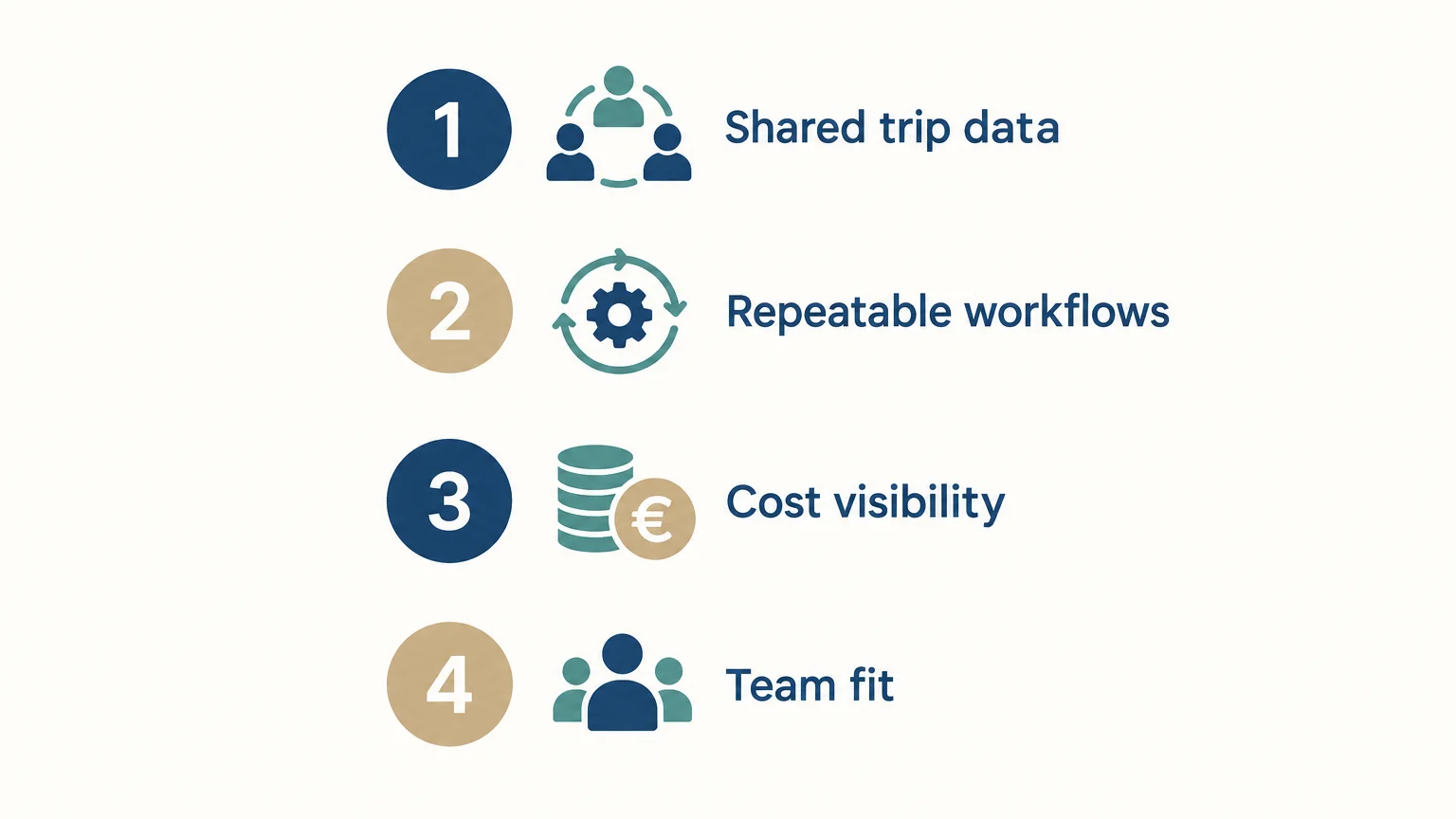
Check five things: whether the system covers your key workflows, centralizes client and supplier details, keeps teams aligned on current information, automates genuinely repetitive tasks, and makes trip costs visible. Also confirm how existing data will be imported, which integrations are available on the plan, and how you can export your records.
For MICE and group programs, test participant information, supplier coordination, budgets, and approval timing as part of the demonstration. The U.S. Travel Association’s 2026 group travel report focuses on business travel such as trade shows, corporate events, and conferences. Those use cases may involve different workflows from an individual tailor made trip.
Include implementation in the total cost. Our Professional plan is 75€ per user per month when billed annually, and Premium is 100€ per user per month; subscription prices exclude tax. The mandatory one time Onboarding Pack costs 1,990€ excluding tax, and subscriptions renew annually. Compare these costs with the time and coordination your current processes require, and check any migration or integration charges before committing.
Choose the workflow, not just the tool count
Using one platform is most useful when it connects the work your team already repeats, from request intake and itinerary design through supplier coordination and financial tracking. Map a real trip, identify where errors or duplicate entry occur, and test whether a shared system improves those handoffs. Keep specialist tools when they serve a clear need, and compare their integration and ongoing costs with the value of centralized travel operations.
Bring Your Travel Operations Into One Workspace
If disconnected files make it difficult to keep proposals, supplier details, and budgets aligned, consider whether a shared platform fits your workflow. A demonstration using your own trip types can help you assess the handoffs, reporting, and migration needs that matter to your team.
Our cloud platform brings travel production, sales, operations, finance, and collaboration into one workspace, from request intake and itinerary design through proposals, supplier booking management, invoicing, and financial tracking. More than 600 agencies use our platform across more than 70 countries. Explore travel agency software for managing operations in one tool and assess whether its workflows suit your organization.
Frequently Asked Questions
Does one tool replace every application a travel agency uses?
No. A central platform can connect core trip workflows while specialist systems remain in place where they serve a distinct purpose. Check whether the tools can integrate and whether information can be exported.
Which workflows should you centralize first?
Begin with processes that pass the same trip data between teams, such as itinerary design, pricing, proposals, supplier coordination, and invoicing. Prioritize handoffs where duplicate entry or version confusion occurs most often.
Does centralized software improve margin visibility?
It can make costs, markups, and financial status easier to review when those details are linked to each trip and kept current. Confirm that the platform gives the relevant roles access to the information they need.
How should you assess the cost of a new platform?
Compare annual user subscriptions and mandatory onboarding with the cost of migration, integrations, and any continued specialist tools. Include the time your team spends maintaining duplicate records and producing repeated documents.
Is travel operations software suitable for specialized agencies?
It can be suitable when its workflows reflect the agency’s trip types, team roles, and supplier processes. Our travel operations platform supports travel agencies, DMCs, tour operators, tailor made travel businesses, and MICE teams.


Join Ezus today
Request a demo today and discover how our software can help you reach new heights.