






.svg)


.svg)
.jpeg)

Join Ezus today
Request a demo today and discover how our software can help you reach new heights.
Request a demo


Deposit and final invoices, credit notes, VAT, payments received and remaining to collect: all your client invoicing is linked to your projects in Ezus.










Every invoice and every payment is linked to its project. You always know what has been invoiced, collected and is still due.
 Invoices
Create your invoices from the project or from Finances > Sales. An invoice moves from draft (pro forma) to finalised, then to paid. Finalising it assigns a number and locks it.
 Payments
When you create an invoice, Ezus can create the matching payment line. As soon as it is marked as paid, the project's total collected is updated.
 VAT and numbering
Choose the VAT scheme for each project: standard VAT, VAT on margin or VAT not applicable. Set up your invoice numbers, with one counter per brand if needed.
 Tracking
Find the invoices for all your projects, filter them by status, client, brand or VAT scheme, then export the list to Excel or the invoices as PDFs.
Credit notes, payment emails and a link to your accounting.
Generate a full or partial credit note, as a percentage or an amount, from the project or from Finances > Sales. To issue a refund, create a negative payment.
With the mailbox (Premium plan), your email templates pull in the amount and date of the deposit or balance using payment variables.
Send your invoices to an accredited e-invoicing platform such as Pennylane, Sage or Cegid via Zapier or the Ezus API (Premium plan). In Belgium, export your invoices as XML with Peppol tracking.
Tailor-made trip, group or corporate event: the same invoicing adapts to your project.
Invoice the deposit at booking, then the remaining amount as a final invoice. Each payment received updates the total collected.
In GIR mode, invoice each group like any other project and see what has been collected and what remains to collect for each one.
For your corporate clients, use one invoice counter per brand and find the client's VAT number in Finances > Sales.
Display your Ezus Pay payment links in your projects and in the client area. Payments received are fed back into Ezus.
Set the sales currency for each project. Ezus handles amounts to the nearest cent.
Draft, finalised and paid.

Standard VAT, VAT on margin and VAT not applicable.

In more than 70 countries.
More than 600 agencies, DMCs and tour operators in over 70 countries.
Ezus provides everything I need in one place: financial management, proposals, budgets, hotels and trusted suppliers.

Automating proposals, budgets and travel documents has saved us a lot of time. Our budgets also look much more professional now, which has increased our sales.

We can create attractive proposals and quotes directly from our product catalog in much less time than before.



Everything you need to know about managing payments in Ezus.
Another question? Talk to our team
Deposit invoices (interim), a final invoice for the remaining amount, and credit notes. A draft invoice serves as a pro forma.
It is given an invoice number and locked. It then moves to paid status once settled.
Ezus can create a payment line when the invoice is created. Mark it as paid: the project's total collected is updated. You can create your own payment methods.
Standard VAT (global or line-by-line rate), VAT not applicable and VAT on margin, whose rate is configured by the Ezus team according to your country.
Generate a full or partial credit note, as a percentage or an amount, from the project or from Finances > Sales. To issue a refund, create a payment with a negative amount.
Yes. Your number format uses the $$n$$ variable, and you can have multiple counters, for example one per brand.
Yes. Export the list to Excel, or the PDFs separately or combined into a single document, filtered by status and period.
Send your invoices to an accredited e-invoicing platform such as Pennylane, Sage or Cegid via Zapier or the Ezus API (Premium plan). Ezus is not itself an accredited platform.
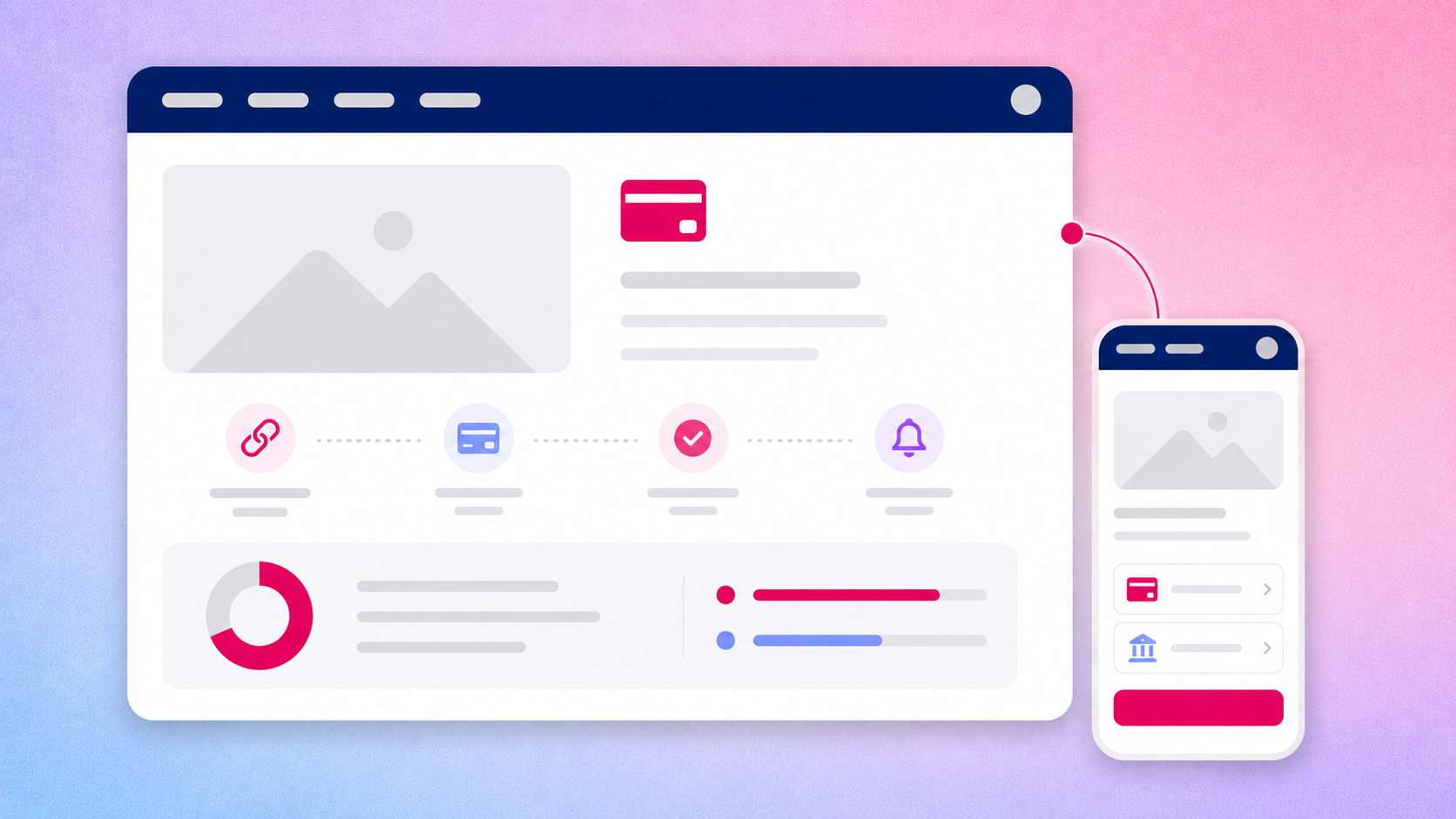
Centralize all your financial flows in one place. Track what's due, what's paid, and what's pending at a glance.

From client deposits to supplier invoices, keep every transaction organized and under control.
.png)
Consolidate client and supplier payments in a single, organized dashboard.

.png)
Stay informed with live updates on all your financial transactions.
.png)
Reduce manual errors and keep your financial records clean and reliable.
.png)
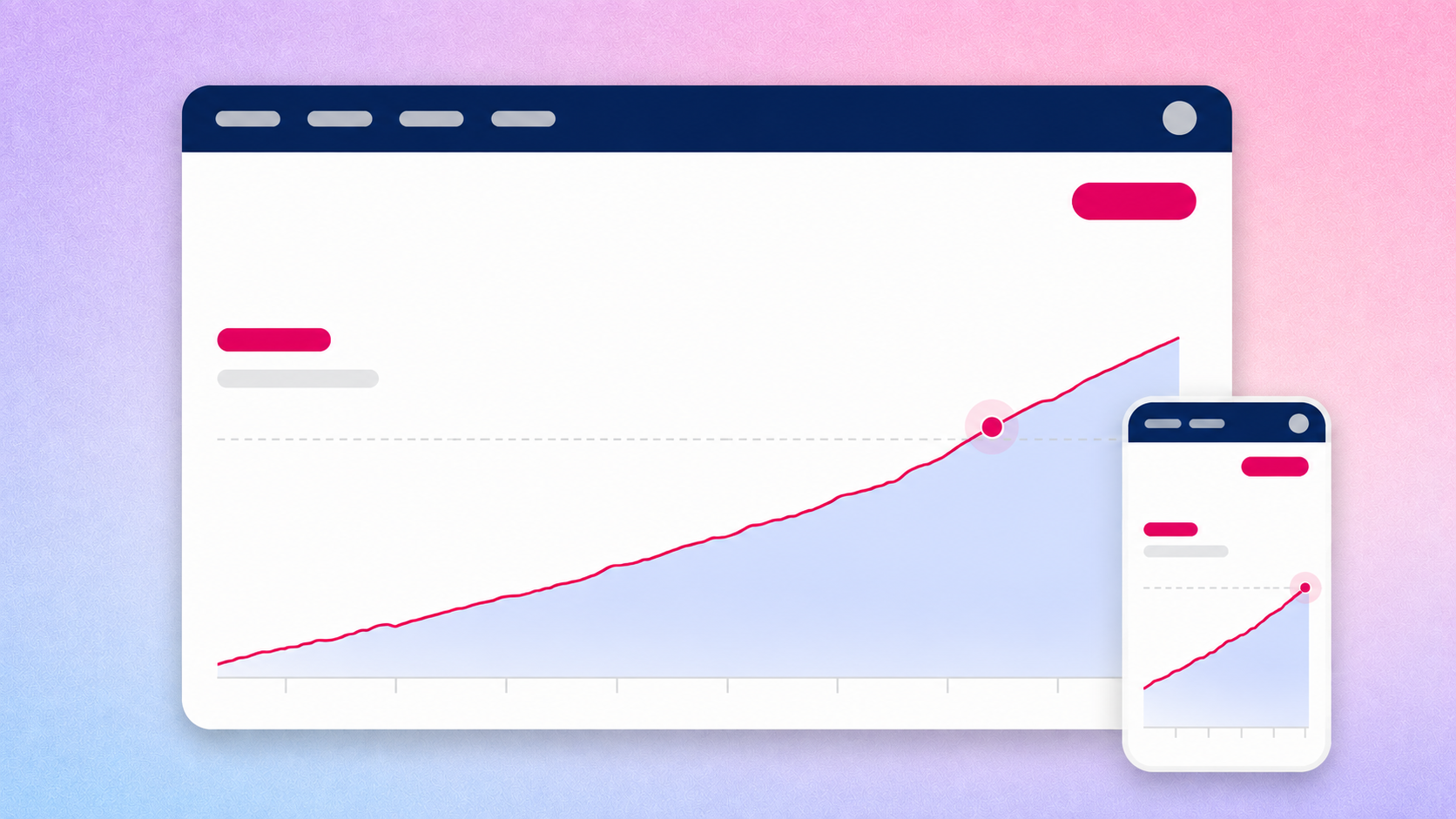
Stay in control with clear visibility on every transaction. No more chasing clients or forgetting supplier deadlines.
.png)
Generate clean, detailed payment and invoice reports in just a few clicks. Keep your finances organized and your accountant happy.
Vous devez jongler avec des règles de TVA souvent complexes, surtout si vous travaillez à l’international. Grâce à Ezus, automatisez la gestion de la TVA intracommunautaire.
Ezus s’adapte aux spécificités du régime spécial des agences de voyages (marge) et gère automatiquement la TVA selon la localisation de vos partenaires.
Évitez les erreurs et les litiges grâce à un système qui applique instantanément le bon taux de TVA, même pour les collaborations internationales.
Toutes vos données budgétaires et vos factures sont centralisées, ce qui vous permet de gagner du temps et de réduire les tâches administratives manuelles.
En évitant tout oubli ou mauvaise application de la TVA, vous protégez votre rentabilité et renforcez votre professionnalisme.
Vous souhaitez en savoir plus ? Consultez notre article détaillé pour découvrir comment Ezus vous aide à gérer la TVA au sein de l’UE

See all incoming and outgoing payments across every project at a glance.

Stop chasing payments manually and focus on what matters most your trips.

Make informed decisions with accurate, up-to-date payment data.


Benefit from customized support from the moment you sign up to quickly and efficiently become self-sufficient.
Double Support
Two dedicated professionals for personalized guidance and technical support.
Comprehensive Resources
Access to the EZUS Academy, including video tutorials, expert tips, and webinars.
Daily Support
A real-time chatbox and a complete help center to assist you every day.
Intensive Follow-Up
Support during the first three months and regular check-ins throughout the year.


At BDMX we love working with Ezus!

I recommend Ezus to all travel agencies !

Software that's easy to learn & a team that's available and efficient!
.avif)
Ezus has enabled us to significantly improve the presentation of our programmes!

It's a pleasure to work with the Ezus team!

Ezus has been an effective support to our tourism operation !

Request a demo today and discover how our software can help you reach new heights.


