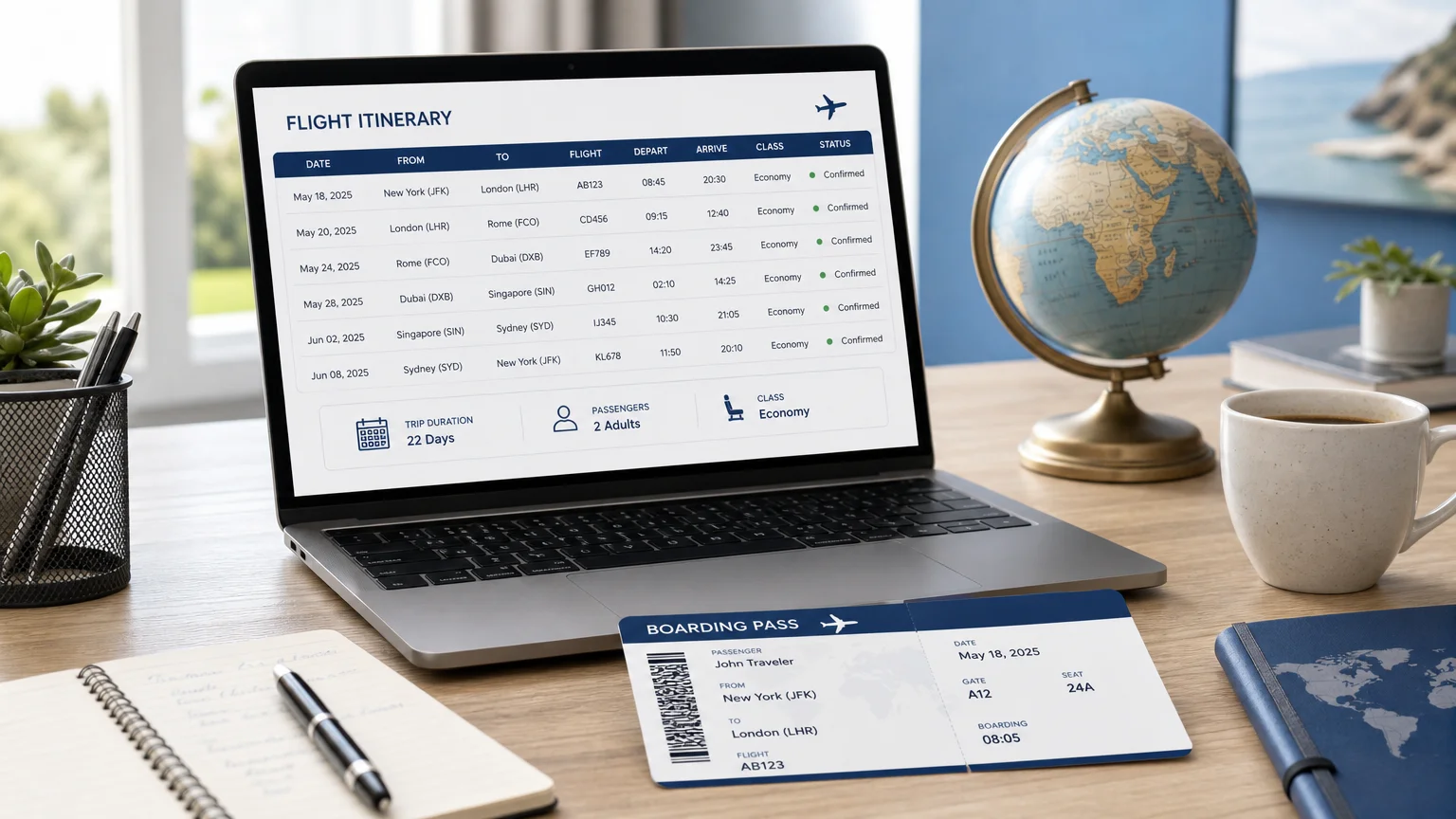
Summary: Adding flights to a travel itinerary means recording each leg, passenger, and locator accurately, then presenting it clearly to the client. Two methods dominate: manual entry for full control and automated import for speed. Verifying departure and arrival details before sharing prevents costly errors and protects the professional reputation of your agency.
When travelers organize their trips, they no longer treat the plane ticket as an afterthought. According to a two-year observational study, adding flights to a travel itinerary now happens at the same moment as hotels rather than as a secondary step. Getting this stage right, from the first search to the final confirmation, defines whether a proposal feels polished or improvised. To speed the whole process, you can rely on our free flight itinerary generator.
The stakes are practical. Pilot's 2026 report found that when travelers import bookings into their plans, flights and hotels are recorded at nearly identical rates, which signals that both are central to the trip. A flight entered with the wrong date, seat, or passenger name can unravel an entire program. This guide walks through the reliable ways to enter air travel, the errors to avoid, and how to turn a raw schedule into a document your clients trust.
Why Flight Accuracy Shapes the Whole Trip
A single mistyped flight number ripples through every downstream detail: transfers, check-in windows, and connecting legs. The margin for error is thin because passengers now expect precision. In a study of 15,000 Tripadvisor reviews cited by a travel data roundup, flight irregularities were the single most discussed topic for disappointed travelers, rising to 36% in 2023 from 20% in 2019.
For a travel agency or a destination management company, that expectation translates into operational discipline. Each flight leg must carry the correct departure date, airline, and terminal. When several passengers travel together, the record must associate the right seat numbers and booking references with each name. Accuracy is not a formality; it is the foundation of a credible proposal.

Manual Entry Versus Automated Import
Two established methods exist for entering air travel into an itinerary, and each suits a different situation. Manual entry gives you complete control. You add a trip label, confirm the departure date, search by airline and flight number, then attach passengers with their locators and seats. Connecting flights are handled by adding a second leg to the same trip, which keeps the journey unified.
Automated import is built for volume. You drag a supplier or agent itinerary into the system, and parsing tools extract legs and passengers automatically. This approach saves considerable time when you process many bookings at once, though it introduces a verification duty: automated parsing can misread details, so every leg still requires a human check before the schedule is confirmed.
The choice is rarely absolute. Many teams import in bulk, then correct edge cases by hand. If you want to compare structured workflows and templates side by side, you can create itineraries online with flights and standardize how each leg is captured.
Common Pitfalls When Entering Air Travel
Consider a group program with a connecting flight and a mix of team members and guests. The typical failures are predictable. Dates roll over at midnight and land on the wrong day. Passenger names imported from a document do not match personnel records, so travelers appear twice. Record locators get attached to the wrong seat. Each error is small in isolation but compounds across a full itinerary.
Visibility settings deserve attention too. Locators and seat numbers are sensitive, and you should decide who may see them before sharing. Mobile review adds another layer, since mobile platforms account for roughly 63% of online travel bookings globally in 2026, which means your flight details will frequently be read on a small screen. A schedule that is clear on desktop must remain legible on a phone.
One recurring question is commercial rather than technical: whether to include the ticket in the sold package at all. That decision affects margin and liability, and it is worth a deliberate policy. Our guide on should you sell plane tickets in a custom trip? examines the trade-offs in detail.
Turning a Schedule Into a Client-Ready Proposal
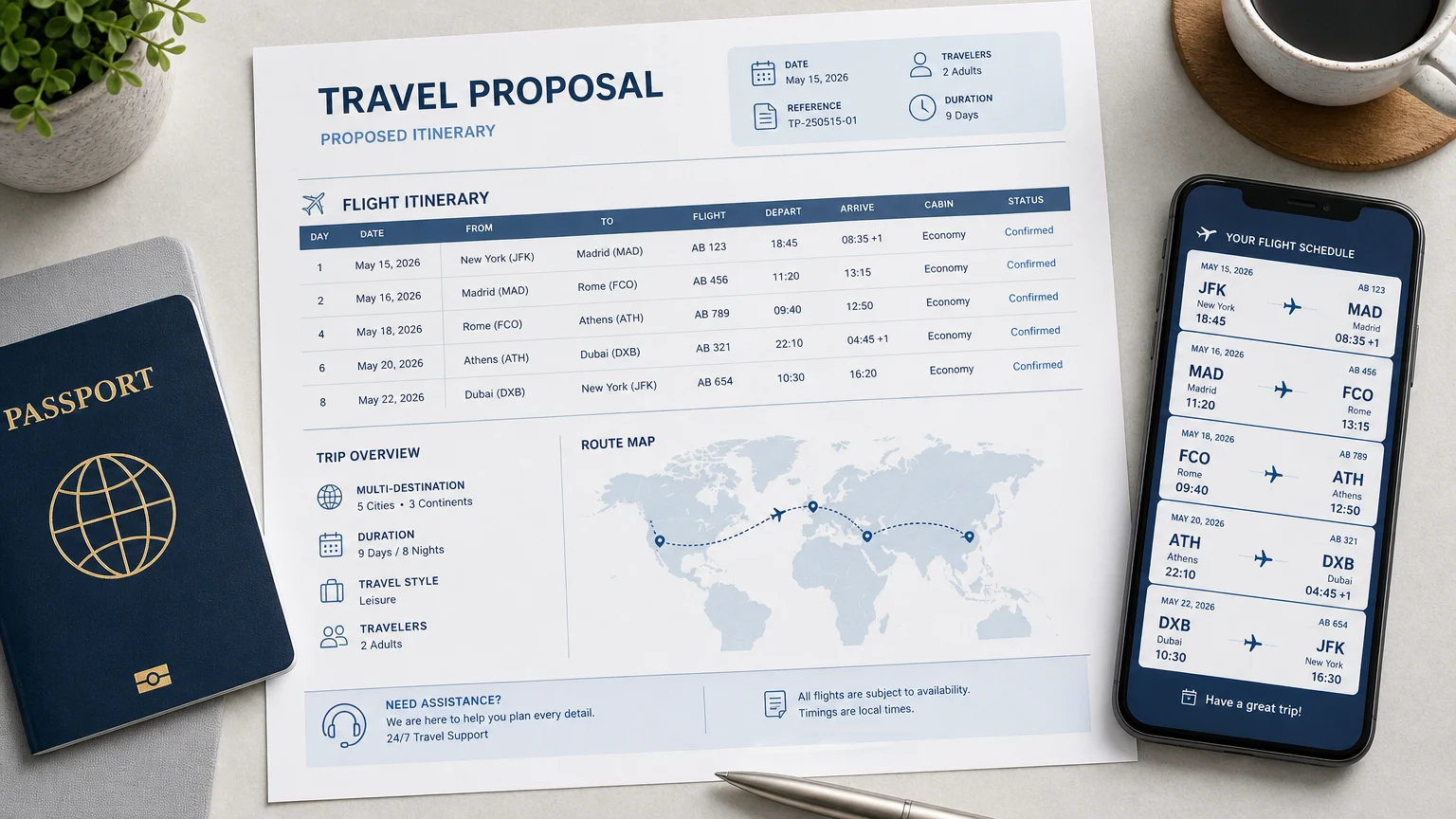
Entering a flight is only half the task. The other half is presentation. A branded, readable document reassures the client and reduces back-and-forth. This is where an end-to-end workflow matters, because the same platform that records the leg can generate the proposal, the budget, and the confirmation in one motion.
Personalization is now the default expectation. Industry analysis for 2026 reports that AI-powered tools will influence more than half of all bookings, helping travelers research and plan faster, which raises the bar for how professionally a program must be assembled. When we build proposals, we combine automated document generation with real-time budget visibility, so the flight, the price, and the margin stay aligned across every version shared with the client.
The payoff is speed without sacrificing accuracy. A polished itinerary that a client can approve from a phone shortens the review cycle and moves a request toward a confirmed, paid trip.
A Practical Checklist for Reliable Flight Entry
Before you confirm any schedule, run through a short verification sequence. Consistency here saves hours of correction later.
Context helps you prioritize. Domestic itineraries carry different risks than international ones, and market data indicates that domestic flight bookings make up around 55% of all online flight bookings, so short-haul volume is where small errors accumulate fastest. Building the checklist into your routine keeps quality steady as the number of trips grows.
Bringing It All Together
Done well, adding flights to a client itinerary is a disciplined sequence: choose the right entry method, verify every leg, protect sensitive details, and present the result as a professional document. Manual control and automated import are complementary, not rivals. Treat verification as non-negotiable, standardize your checklist, and the same accuracy that prevents errors will also accelerate approvals and strengthen the trust your clients place in your agency.
Take action with Ezus
Managing air travel across many requests should not mean juggling spreadsheets, documents, and inboxes. If you are responsible for turning inquiries into confirmed programs, the real challenge is keeping flights, budgets, and proposals aligned as details change.
With our itinerary builder, you assemble custom itineraries, budgets, and on-brand sales documents in minutes, share them through a personalized client portal, and track costs and margins in real time. It is designed for destination management companies and travel professionals who need to move from request to paid trip with fewer handoffs and fewer errors.
Frequently Asked Questions
What is the fastest way to add multiple flights at once?
Automated import is the quickest option when you handle many bookings, because it parses legs and passengers from a supplier or agent document. You should still review each entry, since automated tools can misread dates or names. For high volumes, importing in batches keeps the process manageable.
Can I add a connecting flight to the same trip?
Yes. Most workflows let you add a second leg to an existing trip so the full journey stays unified under one label. Enter the connecting flight the same way you entered the first, then confirm passengers and seats for the complete route.
How do I keep record locators and seat numbers private?
Use visibility settings to decide who can view sensitive fields before you share the schedule. Many systems let you restrict locators and seats to administrators or to the individual passenger. Setting this before sending prevents confidential details from reaching the wrong people.
Should I include the plane ticket in the package I sell?
That decision depends on your margin strategy, liability, and client expectations. Some agencies sell the ticket, while others let the traveler book it separately. Our dedicated guide on selling plane tickets in custom trips reviews the practical trade-offs so you can set a consistent policy.
How can I make a flight schedule look professional for clients?
Present each leg in a clean, branded document rather than a raw list of codes. A platform that generates itineraries, budgets, and proposals together keeps the flight, price, and margin aligned. A readable layout that works on mobile shortens the client review and approval cycle.
.jpeg)

Join Ezus today
Request a demo today and discover how our software can help you reach new heights.

.jpg)


.avif)