
A proposal deadline, supplier update, or data transfer can turn a small software issue into a disruption to daily work. When assessing technical support for travel software, consider not only who answers questions but also whether the provider helps your team get set up and work through problems. Our travel software guide offers broader context for evaluating a platform’s fit.
Compare providers on contact channels, coverage, onboarding, training, and migration assistance. A 2012 study linked supplier training and technical support with service quality in ERP implementations at large Taiwanese firms. It did not study travel software, but it supports asking what help continues after purchase.
Which support criteria matter before you choose?
Suppose a trip proposal is blocked by a data issue just before a client review. You need to know how to reach support, what information to provide, and whether the provider can help your team resume work. Check for live support, documented contact routes, stated service hours, escalation options, and response targets. Ask whether those targets apply to ordinary questions, urgent disruptions, or both.
Consider support throughout setup, not just after launch. A useful onboarding plan may include configuration, staff training, practical examples, and help adapting existing workflows. For travel businesses switching systems, ask how the vendor handles formatted files, unstructured data, integrations, and any separate migration charges. Our overview of the essential features of travel software can help connect support requirements to the work your team needs to do.
Documentation and training are also selection criteria, not optional extras. A published software selection model includes documentation quality, training materials, learning curve, and business fit among factors for evaluating software components. In practice, these criteria help you judge whether staff can solve routine questions without waiting for a support agent.
Ask vendors about follow-up and technical assistance in concrete terms. A separate vendor selection study discusses service criteria such as technical support, follow-up, lead time, and professionalism. Use those ideas to request specific examples, such as how the vendor would handle a login problem, an import error, or an issue affecting a live trip.
Support needs also depend on the software category. A booking API, itinerary builder, and travel operations platform can involve different setup and escalation needs. Our overview of travel industry software can help clarify which category matches your workflows. To prepare a practical vendor checklist, see how to choose travel agency software.
Travel software support options at a glance
The table compares what each provider describes about support, training, and migration. An unspecified detail is something to confirm directly, not proof that a provider does not offer it.
| Provider | Described support | Onboarding and learning | Migration information |
|---|---|---|---|
| Ezus | Chat, phone, and email, with support in multiple languages. | Dedicated onboarding specialist, configuration sessions, training, Help Center resources, webinars, and ongoing guidance. | Formatted imports use an Ezus template; raw-data work is assessed from a sample and quoted by scope. |
| Tern | Email and in-app messaging. | Help Center, courses, lessons, recordings, and live help. | Hands-on assistance for agencies and phased rollouts for larger hosts are described. |
| WeTravel | Email and live chat. Its contact page describes weekday availability and says most inquiries typically receive a response within one business day. | Help Center articles, onboarding resources, and product guidance. | Confirm data migration support directly. |
| Odys | Confirm support channels and service hours with the provider. | Ask about onboarding and staff training for your workflow. | Confirm migration scope directly. |
| Travefy | Email, live chat, and Help Center. Its contact information lists weekday hours and says inquiries typically receive a response within one business day. | Guides, videos, and certification resources. | Confirm migration scope and assistance directly. |
| Tourwriter | Confirm channels and service hours with the provider. | One customer testimonial describes using recorded onboarding to teach new staff. | Confirm migration scope directly. |
Ezus
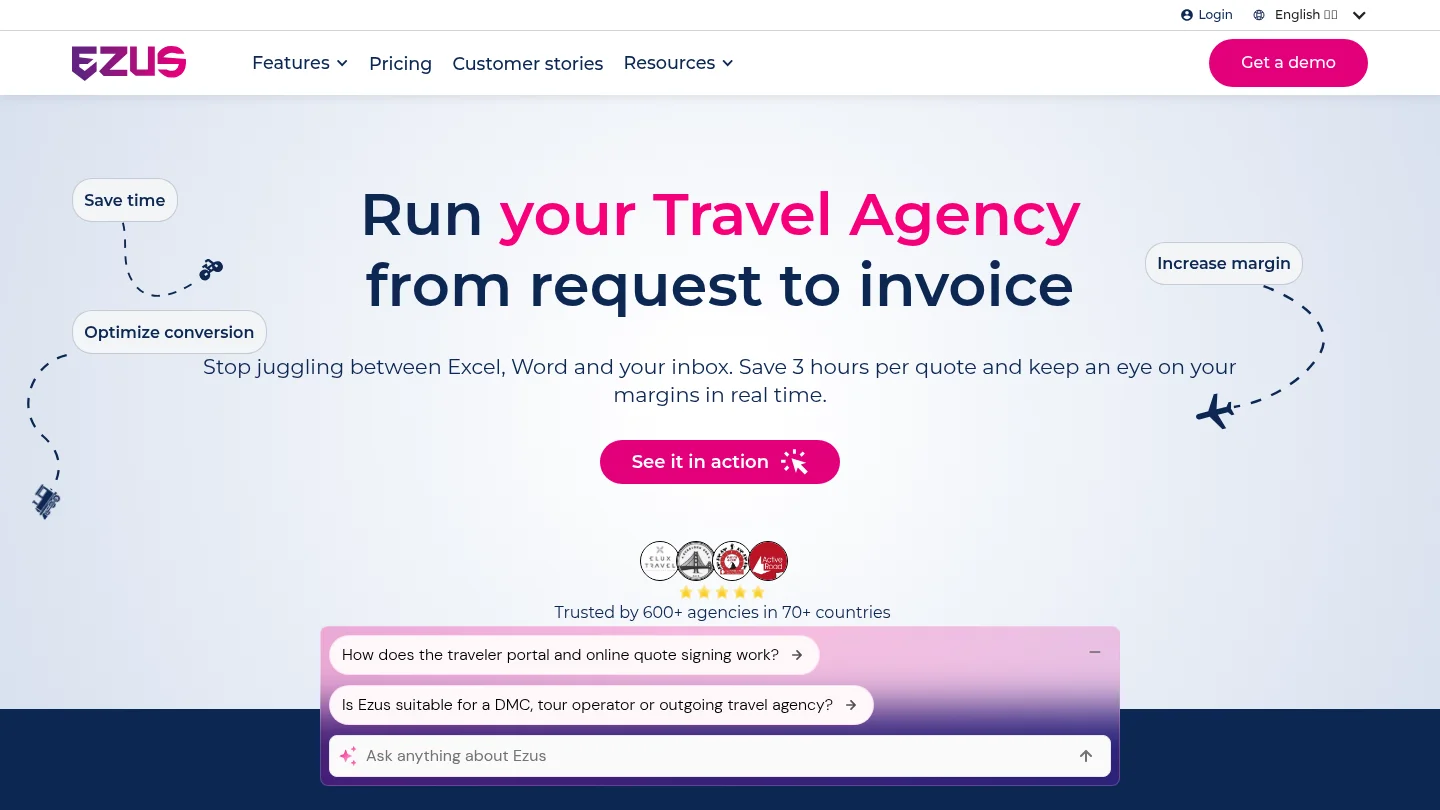
Best for: Travel agencies, DMCs, tour operators, tailor-made travel businesses, and MICE teams seeking onboarding and technical support alongside sales, production, operations, and finance workflows.
Our cloud platform brings itinerary production, budgeting, proposals, supplier booking management, invoicing, and financial tracking into a shared workspace. Support includes chat, phone, and email, plus a dedicated onboarding specialist, configuration sessions, training, templates, Help Center resources, webinars, and ongoing guidance. We support more than 600 agencies across over 70 countries, giving teams an established platform for international travel operations. That footprint does not replace a response-time commitment, so ask us to clarify service targets that matter to your organization.
For data transitions, formatted imports use our template. Raw-data imports are assessed from a sample and quoted according to the work involved. Formatted imports are priced at €390 excluding tax. Migration support is therefore available, but the process and any applicable cost depend on the data and service selected.
Pros:
- Dedicated onboarding, configuration, training, and continued guidance support adoption as well as technical questions.
- Chat, phone, and email provide several ways to reach our support team.
- The Premium plan includes an Account Manager from three users.
Cons:
- The mandatory one-time Onboarding Pack costs €1,990 excluding tax, so include it in your implementation budget.
Tern
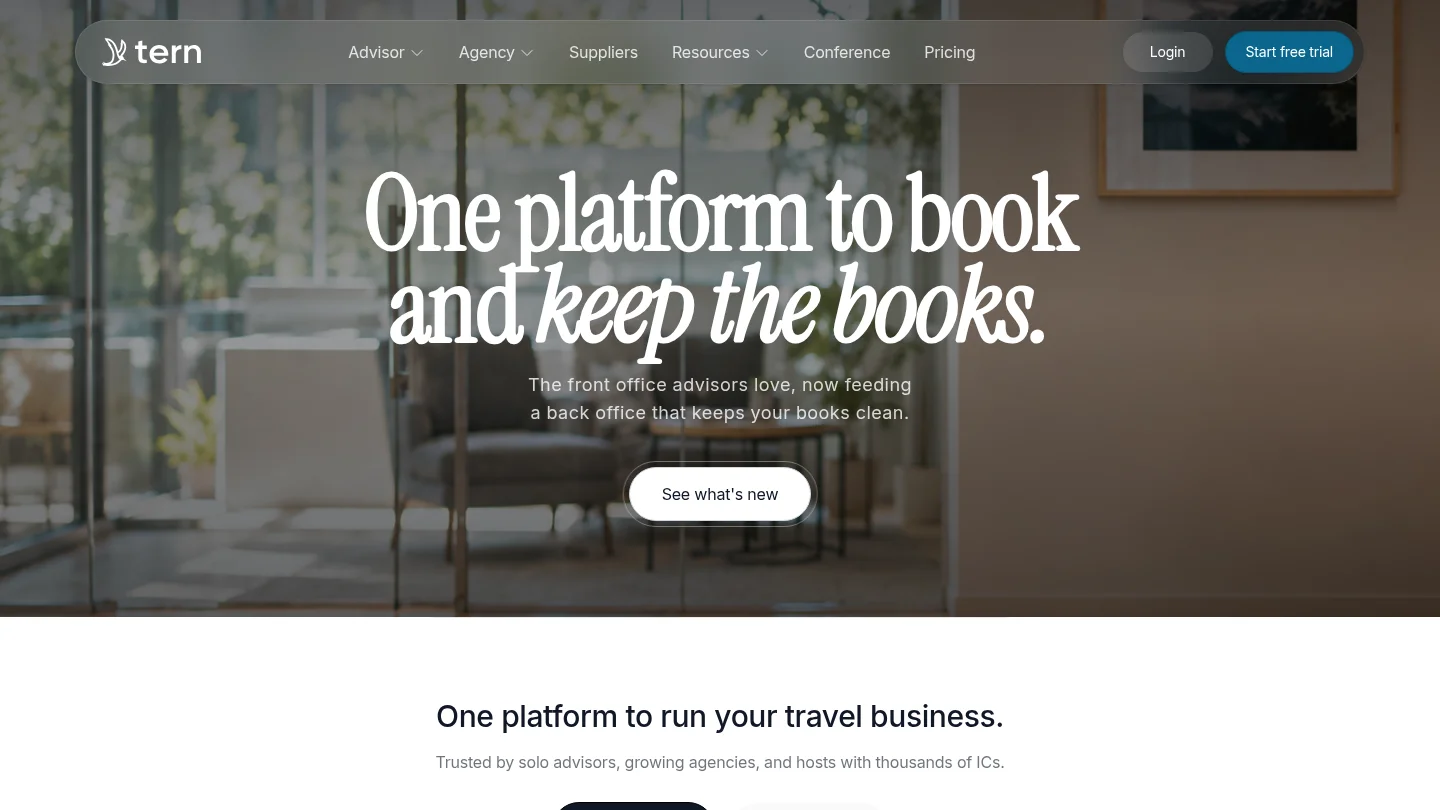
Best for: Independent travel advisors, growing agencies, and larger host organizations seeking front-office and back-office workflows.
Tern describes support by email and in-app messaging, alongside a Help Center and Training Hub with courses, lessons, recordings, and live help. Its materials also describe hands-on support for agencies and phased migration assistance for larger hosts moving from legacy systems. This may suit organizations that want migration planning to account for their team structure. Ask which services apply to your account and whether response targets can be specified for urgent operational issues.
Pros:
- Multiple training formats can support different learning preferences and team schedules.
- Migration support is described for agencies and larger hosts, including phased rollouts for larger migrations.
Cons:
- Confirm the support hours and response targets that apply to your organization before relying on a particular coverage window.
WeTravel
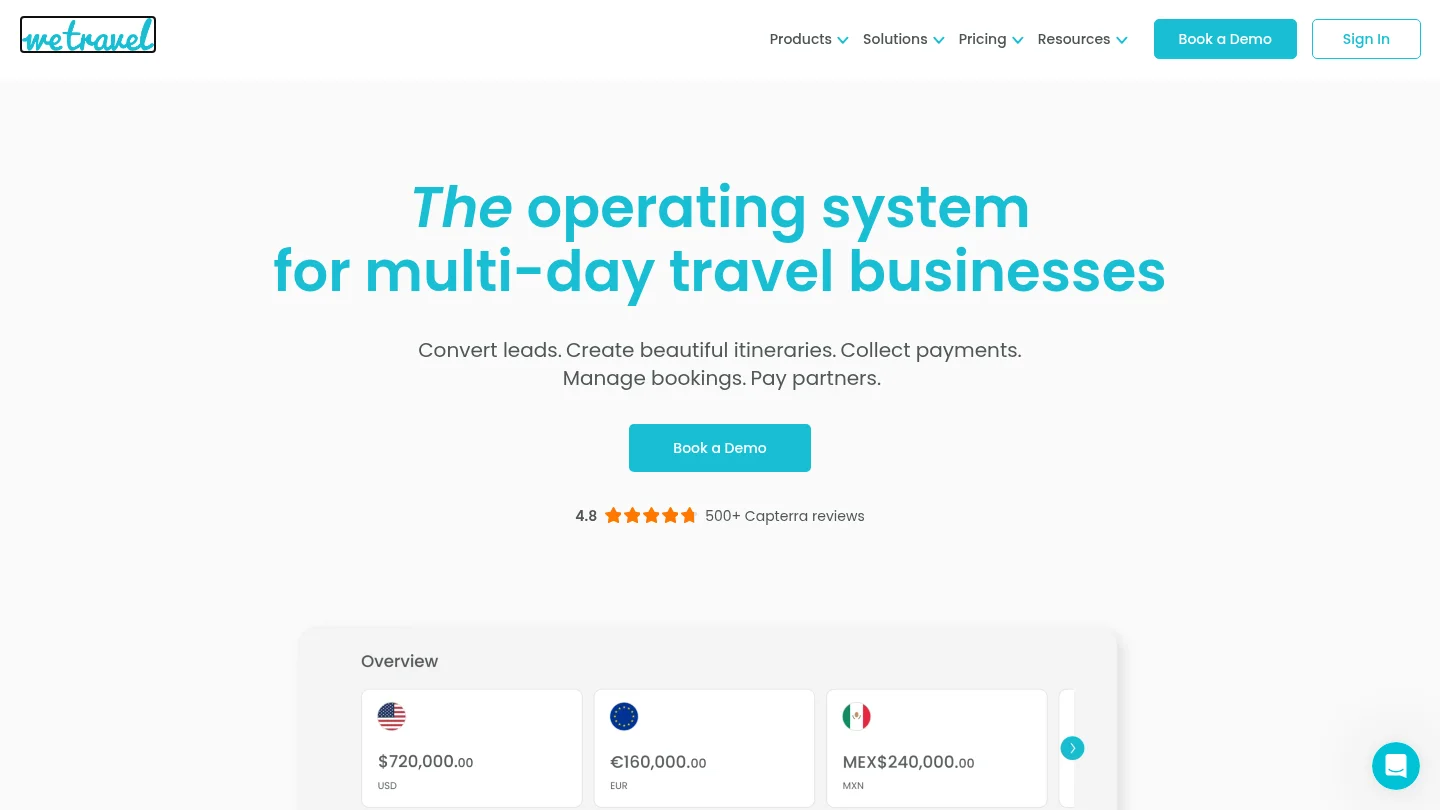
Best for: Trip organizers and travel companies managing multi-day or group trips, bookings, payments, and participant communication.
WeTravel’s support information lists email and live chat, and its Help Center includes onboarding and troubleshooting material. Its contact page describes weekday availability and says most inquiries typically receive a response within one business day. For hotel and flight bookings made through the platform, a separate provider handles booking-specific support. Confirm the right escalation route for each service your team uses.
Pros:
- Direct contact options and self-service guidance support common organizer questions.
- The support information provides a stated typical response window for general inquiries.
Cons:
- Support for hotel and flight bookings involves a separate provider, so users may need to contact a different team for those booking issues.
Odys
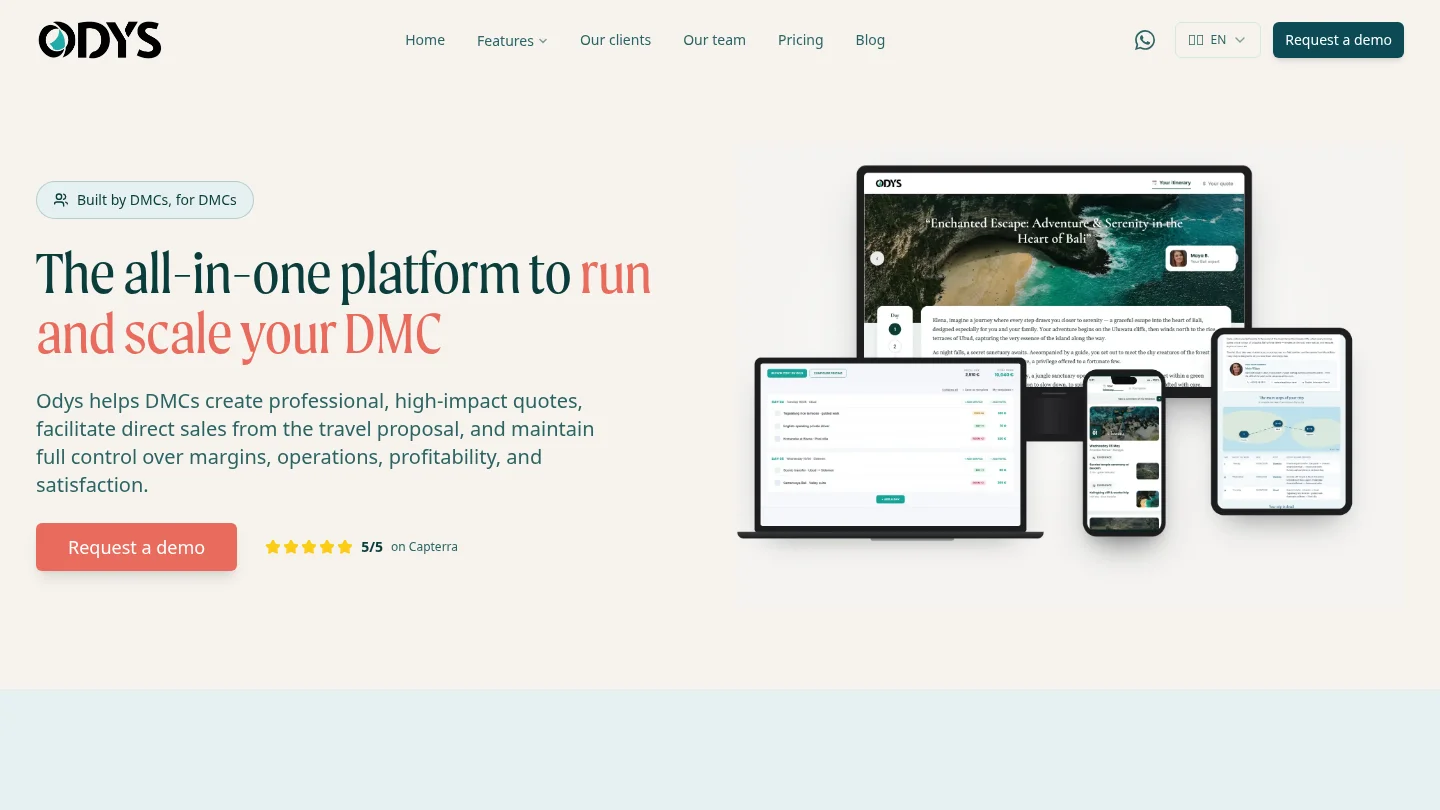
Best for: DMCs and inbound operators with roughly 3 to 25 employees that manage custom itineraries.
Odys focuses on DMC quoting, margin visibility, supplier coordination, and trip operations. Its product information says the platform was created by destination management companies and refined around their operational needs. This makes it a relevant candidate for DMC teams assessing workflow fit. Before choosing it for post-launch support, ask the provider to explain contact channels, staff training, migration assistance, and escalation arrangements.
Pros:
- Its DMC and inbound-operator focus aligns with custom itinerary and destination-management work.
- It emphasizes quotations, margin monitoring, supplier coordination, and operational workflows.
Cons:
- Its stated fit excludes retail travel agencies and outbound tour operators, so those organizations should consider a different match.
Travefy
Best for: Travel advisors and agencies looking for itinerary, proposal, CRM, and client communication tools with human support resources.
Travefy describes support through email, live chat, and Help Center resources. Its support materials also include guides, videos, and certification resources. The public contact information lists weekday support hours and says the team typically responds within one business day. This gives prospective users a concrete starting point for assessing ordinary questions, though teams with urgent or weekend needs should ask how those cases are handled.
Pros:
- Several support routes are described, including direct contact and self-service resources.
- Training materials and certification resources give users ways to learn the platform.
Cons:
- The published contact information lists weekday hours, so confirm coverage for any required evening or weekend support.
Tourwriter
Best for: Luxury and bespoke travel designers, DMCs, travel advisors, and inbound operators creating multi-day FIT trips.
Tourwriter describes tools for itinerary design, CRM, pricing, supplier payments, bookings, and financial management. One customer testimonial says recorded material was sufficient to teach new staff in about 30 minutes. That is an individual customer’s experience, not a stated onboarding duration for every team. Ask the provider to walk through its current onboarding assistance, support channels, and escalation process using a representative trip.
Pros:
- Its stated audience and workflow focus align with luxury and bespoke multi-day travel operations.
- A customer testimonial offers a practical example of recorded learning being used for staff onboarding.
Cons:
- Its stated focus is specialized, so teams with substantially different trip models should verify workflow fit during a demonstration.
Choose support that fits your daily operations
The right choice depends on the trips you manage, your team’s experience, and the help you need during setup and live operations. Compare contact routes, stated hours, training, migration scope, and service terms, then test a realistic issue during a demonstration. Strong post-purchase support should be clear before you commit, not something you have to infer after a disruption.
See travel agency software with guided onboarding
If your evaluation covers more than resolving tickets, examine the full journey from enquiry and proposal through budgeting, supplier coordination, invoicing, and traveler communication. We designed our cloud platform for travel agencies, DMCs, tour operators, tailor-made travel businesses, and MICE teams. A demonstration can use your own use cases, helping you assess how support and centralized workflows fit your operations.
We include a dedicated onboarding specialist, configuration sessions, training, template resources, and ongoing guidance. Our support is available through chat, phone, and email. For existing data, formatted imports use our template, while raw-data migration is assessed from a sample and quoted according to the work involved. Review our travel agency software to see how itinerary production, budgeting, CRM, supplier booking management, invoicing, and financial tracking work in one platform.
Frequently Asked Questions
What counts as useful support for travel software?
Useful support combines reachable contact channels with clear service hours, practical onboarding, and training resources. Migration guidance and a defined escalation route can also matter when software supports active trips.
Which support channels should I prioritize?
Choose channels your team can use when an issue occurs, such as email, chat, or phone. Ask whether each channel handles urgent operational problems and what response times apply.
How should we check onboarding before switching?
Ask what configuration, training, and workflow guidance are included, and who will work with your team. Request a walkthrough using a representative trip or process.
What should I ask about data migration?
Ask which formats are accepted, whether the vendor reviews a sample, and how costs are calculated. Confirm the expected responsibilities for preparing, checking, and importing your data.
Does a Help Center replace live support?
No. Articles and videos can help users resolve routine questions, while live support is important when the issue needs investigation or affects ongoing work. Check how the two options work together.
.jpeg)

Join Ezus today
Request a demo today and discover how our software can help you reach new heights.

.jpg)