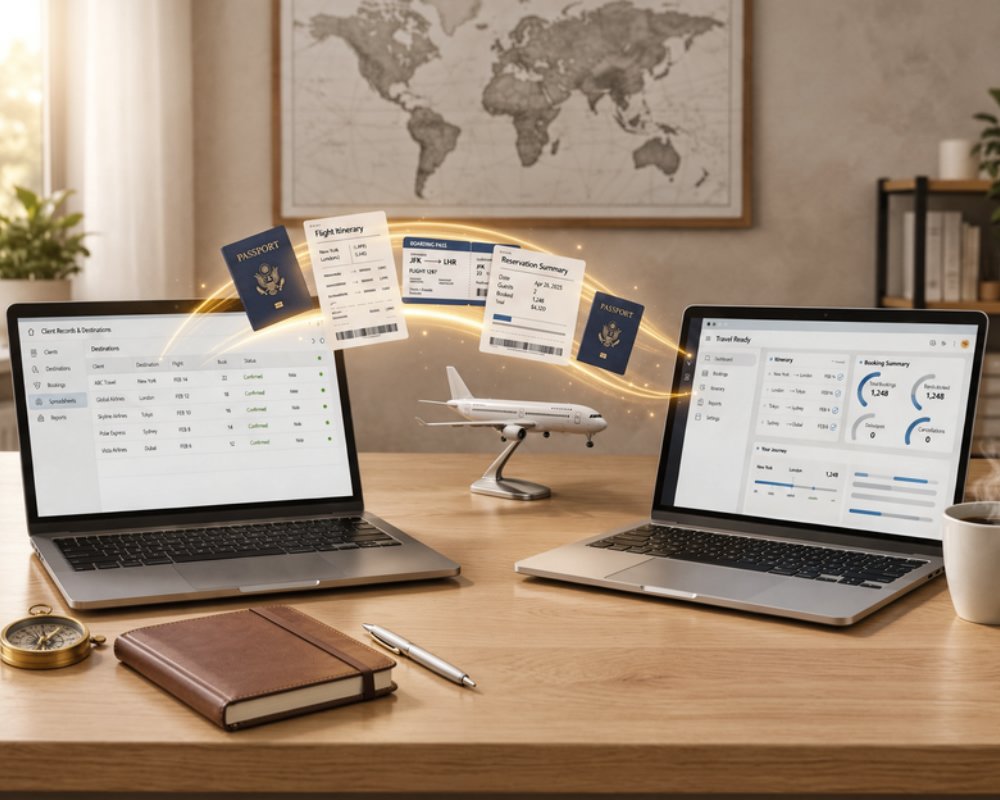
Most agencies that decide to switch travel agency software are not short of reasons. What holds them back is fear: losing years of supplier rates, mixing up client files, or seeing quotes stall during the move. Yet staying on a tool your team works around every day has a cost too, and a well-planned migration is far less risky than it looks. This guide is for agencies that already use a travel agency software, a legacy system or an in-house tool, and want to move without losing data or sales.
The stakes are real. A 2025 Capterra survey found that 89% of buyers who faced implementation disruptions later regretted their purchase. The good news: most of those disruptions come from planning mistakes you can avoid. Below, you will find the signs that it is time to change, what to migrate and what to leave behind, a six-step migration plan and the traps that cost agencies the most.
Signs it is time to switch travel agency software
No tool is perfect, and changing for a single missing feature is rarely worth it. But when several of these signs add up, your current system is costing you more than a migration would.
- Your tool no longer keeps up with growth: it was fine with three people and twenty files a month, but user limits, slow screens or missing permissions now block the team.
- The vendor has stopped evolving: no meaningful update in months, no roadmap, no answer on e-invoicing or online payments.
- Excel workarounds are everywhere: margins checked in a spreadsheet, rooming lists rebuilt by hand, supplier statuses tracked in email threads.
- Support is slow or hard to reach: tickets wait days, and nobody answers in your team's language.
- Your documents no longer sell: quotes and travel books look dated next to the web proposals your competitors send.
- The in-house tool depends on one person: if the developer or the colleague who built it leaves, nobody can maintain it.
What to migrate and what you can leave behind
The biggest mistake is trying to move everything. A migration is the right moment to sort your data, not to copy years of clutter into a clean tool.
What deserves to be migrated
- Product, supplier and rate catalogue: hotels, activities, transfers, guides, with their seasonal rates and contacts. This is what makes quoting fast from day one.
- Clients and contacts: active clients, prospects and partner agencies, with clean names, emails and companies.
- Document templates: your best proposals, quotes, travel books and contract terms. They are rebuilt in the new tool, not imported as raw files.
- Files in progress: trips confirmed or under negotiation, especially those with deposits already received.
What can stay in the archive
Closed files from past seasons rarely need to live in the new tool. Export them once, in a readable format, and store them safely for accounting and legal retention. Outdated rates, duplicate contacts and suppliers you no longer use can simply be left behind.
How to migrate travel agency software in 6 steps
This plan works whether you leave a market tool, a legacy system or a mix of Excel and Word files.
1. Inventory and export
List every data source: software, spreadsheets, shared drives, mailboxes. Then test the export of your current tool right away. Check which formats it allows, whether rates and contacts come out complete, and whether the vendor charges for it.
2. Clean the data
Remove duplicates, close dead suppliers, update rates for the coming season and standardise naming. Clean data imported once saves hours of corrections later.
3. Choose the new tool on a real file
Do not judge a tool on a generic demo. Ask the vendor to rebuild one of your recent trips, with your real suppliers, margins and VAT regime, and check the proposal your client would receive. Our software comparison pages help you shortlist before this test.
4. Import
Import the catalogue and clients first, then rebuild your document templates. Check a sample of products and contacts line by line before the team starts working.
5. Run a short double run on new files
For a few weeks, create every new request in the new tool while files in progress finish in the old one. This avoids a risky big bang and lets the team learn on live work.
6. Switch over and train the team
Set a cut-off date, move the remaining open files, and close access to the old tool once nothing depends on it. Train each role on its own tasks: sales on quotes, operations on supplier bookings, finance on invoicing.
Mistakes to avoid when you switch travel agency software
- Migrating during high season: your team has no time to learn, and every mistake hits a client. Plan the switch during your quietest months.
- Migrating everything: ten years of closed files slow the import and clutter the new tool. Archive instead.
- Forgetting files in progress and deposits: a trip with a deposit already paid must show the right balance due in the new tool, or you will chase clients for money they already sent.
- Not checking your old tool's export: some systems only export partial data or charge for it. Find out before you give notice.
- Skipping training: a tool the team does not master quickly becomes a new set of Excel workarounds.
What Ezus provides to secure your migration
Ezus was designed for tailor-made agencies, DMCs and tour operators, and the switch is part of the offer.
- Guided onboarding: a dedicated Onboarding Specialist for up to three months, three setup sessions, two training sessions and 50+ document templates. Onboarding takes 23 days on average.
- Data import: fill in the Ezus Excel template and your formatted data is imported for €390, delivered within 10 days. Raw data is quoted on the actual workload, and import is included in Enterprise.
- No double billing: your subscription only starts at your onboarding kick-off, not at signature.
- Your data stays yours: export your documents at any time in PDF, Word, PowerPoint or Excel, and request a data export whenever you need it.
All conditions are detailed on the Ezus pricing page. Support answers in English, French, Spanish, Italian and Portuguese, in under 30 minutes.
Plan your switch before the next busy season
A successful migration is mostly a matter of timing and sorting. Pick a quiet period, test the export of your current tool, migrate your catalogue, clients, templates and open files, archive the rest, and run new requests in the new tool for a few weeks before switching completely.
Ezus is used by more than 600 travel agencies, DMCs and tour operators in over 70 countries. Itinerary builder, smart budgeting, CRM, supplier bookings, invoicing and online payments are gathered in one tool, with an onboarding team that handles the move with you.
Book a demo with Ezus and discover how your agency can switch tools without losing a single file or sale.
Frequently Asked Questions
How long does it take to switch travel agency software?
Count a few weeks for a small or mid-sized agency, depending on data volume and team availability. At Ezus, onboarding takes 23 days on average, including setup, import and training.
When is the best time to change travel agency software?
During your low season, when the team has time to learn and fewer trips are in operation. Avoid starting a migration a few weeks before your peak booking period.
What data should I export from my old software?
Export your supplier and product catalogue with rates, your clients and contacts, and every file still in progress with its payments. Closed files can be exported once and archived outside the new tool.
Can I migrate from Excel or an in-house tool?
Yes, and it is often simpler than leaving a closed system. With Ezus, you fill in the Excel import template, or send raw data for a quote based on the actual work.
How much does data import cost with Ezus?
A formatted import using the Ezus Excel template costs €390 excluding VAT and is delivered within 10 days. Raw data is quoted on request, and import is included in the Enterprise plan.
Will I pay two subscriptions during the migration?
Not on the Ezus side: billing starts at your onboarding kick-off, not at signature. Plan your notice period with your current vendor so the overlap stays as short as possible.
Can I get my data back if I leave Ezus?
Yes. You can export your documents at any time in PDF, Word, PowerPoint or Excel, and an export of your data is available on request. Data is hosted in Europe and processed in line with GDPR.


Join Ezus today
Request a demo today and discover how our software can help you reach new heights.