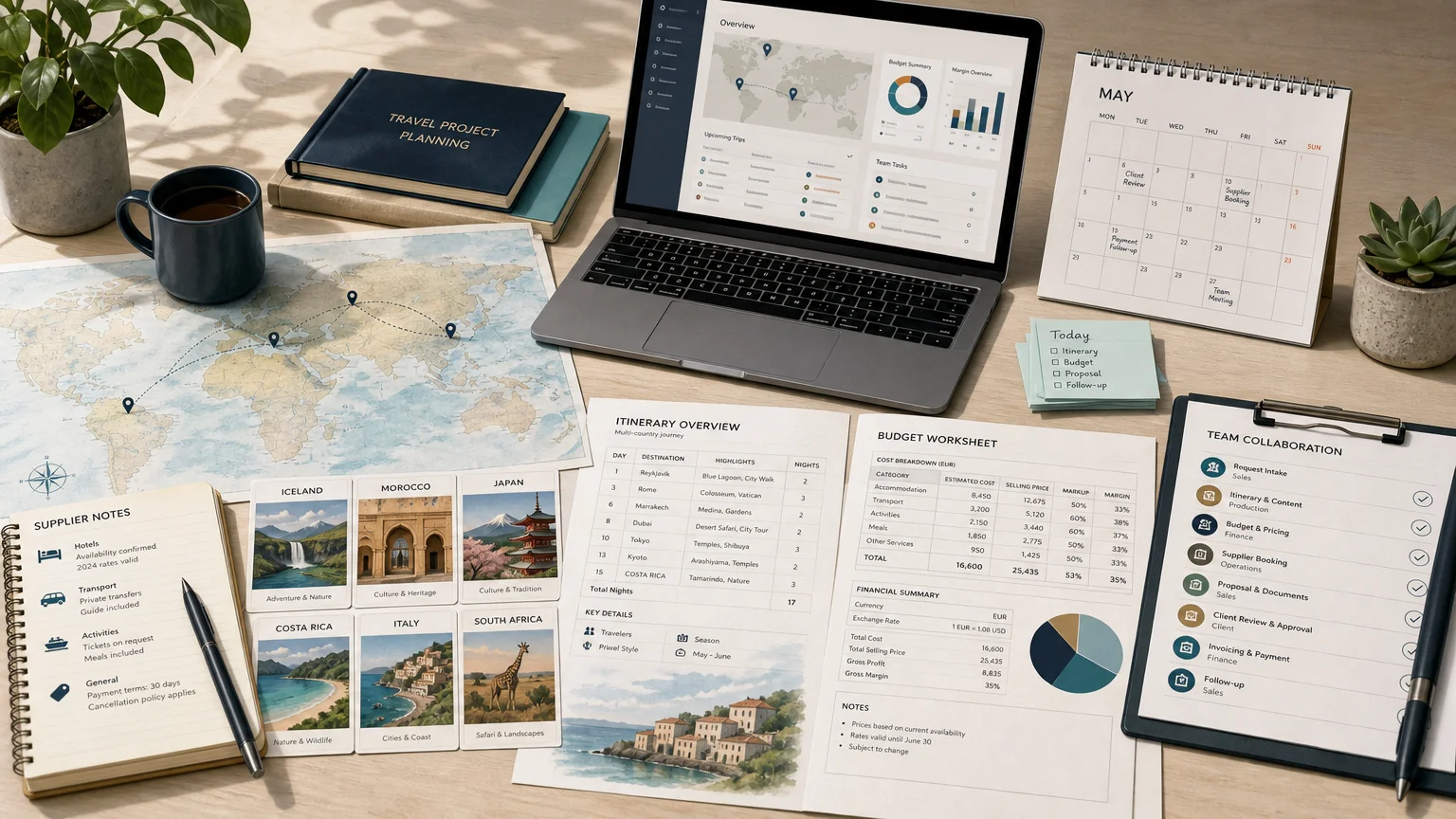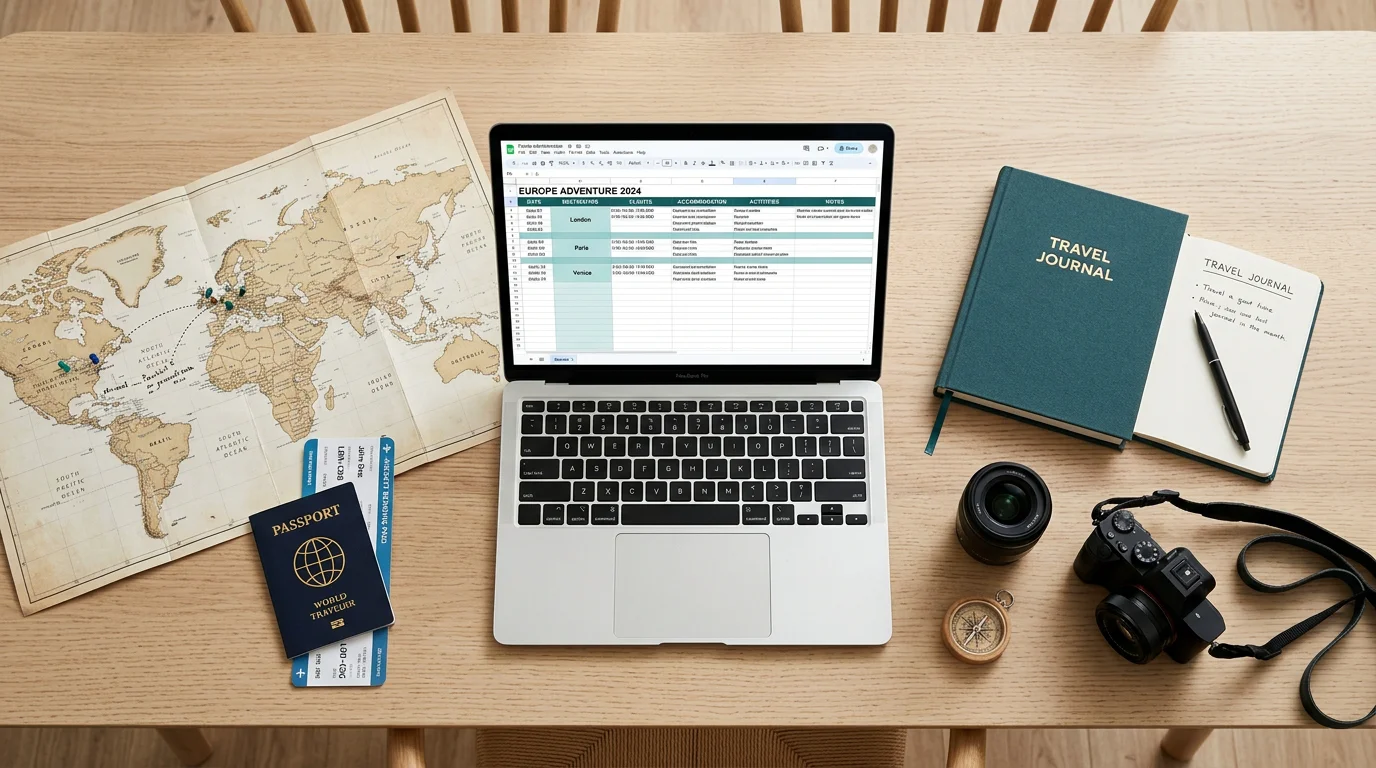
A well organized trip rarely begins with a booking; it begins with a plan. In 2026, the vast majority of travelers structure their trips before departure, and budgeting has become a central part of that ritual. For countless planners, the very first tool is a spreadsheet, because it is free, familiar, and endlessly adaptable. Learning to build a travel itinerary in Excel gives you a clear, printable overview of every day. If you plan trips professionally and need to move faster, an itinerary builder software extends what a simple grid can achieve.
The appetite for travel is strong. According to a 2026 IPX1031 study, 93% of Americans plan to travel this year and 71% are actively budgeting for those trips. Yet organization remains the weak link, and this is where a structured spreadsheet earns its place in the planning process.
Why travelers still reach for a spreadsheet
The appeal of an itinerary Excel file is easy to understand. It costs nothing, it works offline, and it can be reused for every future trip by simply duplicating a sheet. A grid lets you compare options side by side, color code by destination, and calculate totals automatically with formulas.
Planning also takes real time, which makes a durable structure valuable. Pilot's 2026 report, built from observed behavior across more than 40,000 travelers in 183 countries, identifies a distinct planning peak roughly 56 days before departure. A spreadsheet gives you a stable place to collect research during those weeks, from saved links to hotel shortlists, without losing anything along the way.
The flexibility comes with a cost, however. A spreadsheet is only as organized as the person maintaining it, and complexity grows quickly once multiple travelers, currencies, and bookings enter the picture.
What to include in your travel itinerary spreadsheet
Before opening a blank workbook, decide what information you will actually reference during the trip. Most effective travel planners rely on a small set of recurring components. Ready-made itinerary templates can save you the setup work, but the essential structure remains the same.
- Trip overview: destination, dates, number of travelers, and total budget at a glance.
- Day-by-day schedule: morning, afternoon, evening, and night slots for activities, transfers, and check-ins.
- Transport details: flights, trains, car rentals, and confirmation numbers.
- Accommodation: hotel names, check-in and check-out dates, addresses, and contacts.
- Budget tracker: planned versus actual spend by category, with a running total.
- Packing checklist and emergency contacts: practical references for departure day.
Keeping each of these on its own tab prevents the main schedule from becoming cluttered while ensuring nothing critical is forgotten.
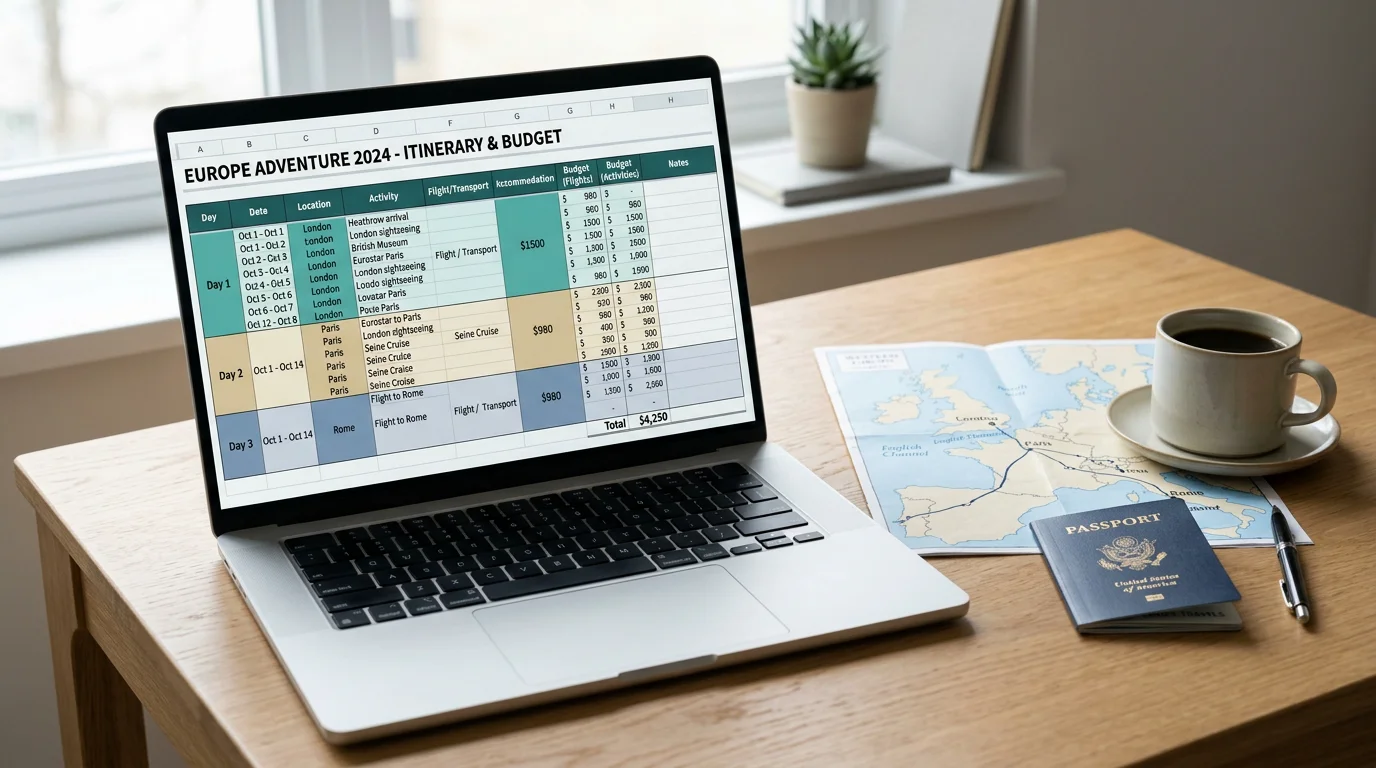
How to build a travel itinerary in Excel step by step
Start with an overview tab that summarizes the trip in a few cells. Then create the main schedule, which is the heart of your plan.
- Use one column per day or one row per day, whichever suits your travel style, and label time slots clearly.
- Add drop-down lists for activity types such as transport, accommodation, or sightseeing to avoid typos and enable filtering.
- Highlight key details with color so transfers, public holidays, and overnight travel stand out instantly.
- Group activities by geographic zone to avoid crossing a city repeatedly and wasting time.
- Insert hyperlinks to maps and booking confirmations so everything stays centralized.
- Lock cells you do not want changed before sharing the file with fellow travelers.
- Save a cloud copy and a printable PDF as a backup for moments without connectivity.
Once this structure works for you, duplicate the sheet for your next trip rather than starting over. A replicable template is the single greatest time-saver in spreadsheet planning.
Where spreadsheets fall short for professional planning
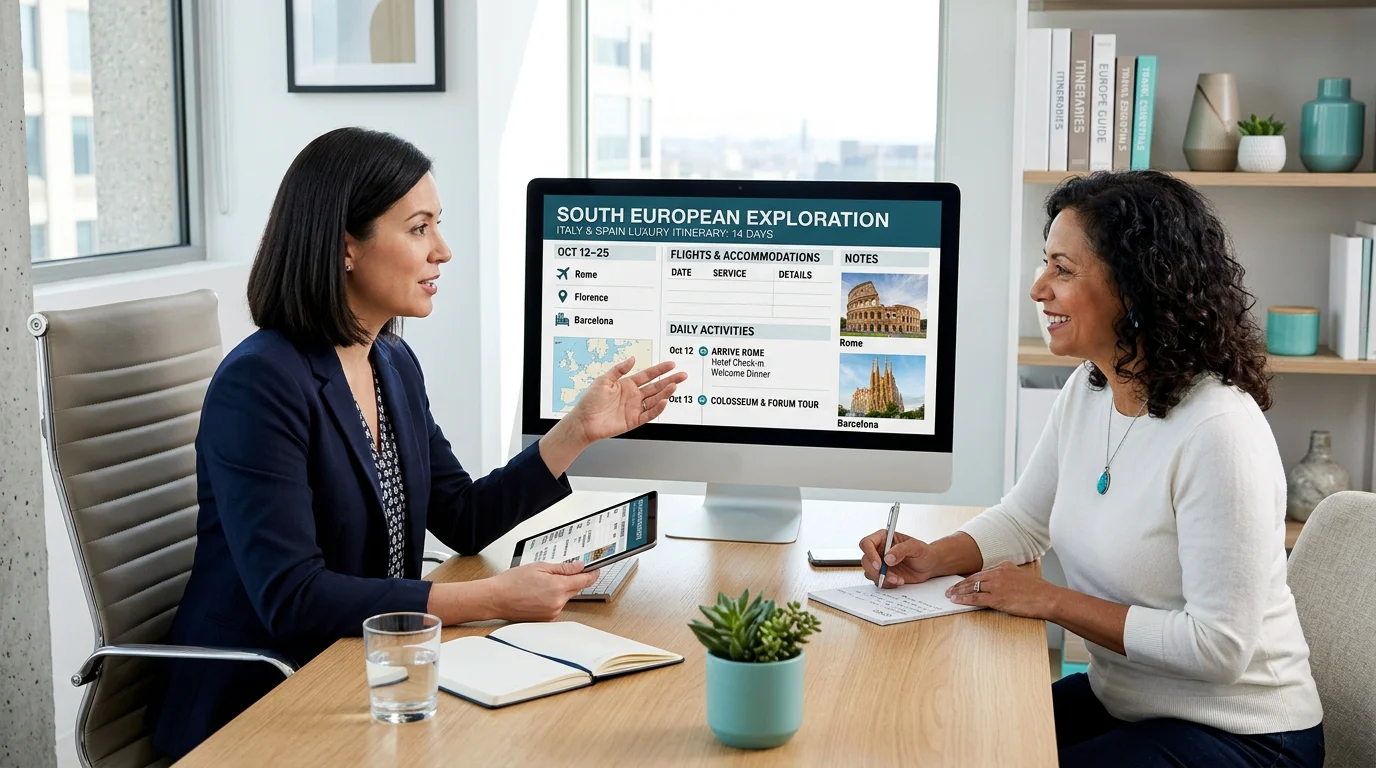
A personal trip and a client trip are not the same challenge. When you plan travel for others, the spreadsheet begins to strain. Shared files create version confusion, the familiar question of who updated which day, and mobile editing quickly becomes awkward. Manual currency conversions, markup calculations, and formatting also consume hours that could be spent selling.
This matters because expectations around planning tools are shifting. Among travelers who use artificial intelligence for trips, the IPX1031 research found that 55% now rely on it specifically to build itineraries, a sign that automation is becoming the norm rather than the exception. A static grid cannot match that pace. When you need to respond to an inquiry in minutes rather than days, our online itinerary creation tools remove the repetitive formatting and pricing work entirely.
Excel versus dedicated itinerary software
Both approaches organize a trip, but they serve different purposes. The table below compares a spreadsheet with a purpose-built platform on the criteria that matter most to travel professionals.
| Capability | Excel or Google Sheets | Our Ezus platform |
|---|---|---|
| Cost to start | Free | Paid software with tailored support |
| Real-time collaboration | Limited, prone to version conflicts | Shared live data across teams |
| Branded client proposals | Manual and time-consuming | One-click, on-brand proposals |
| Margin and pricing visibility | Manual formulas | Smart pricing with real-time margin alerts |
| Multi-currency handling | Manual conversion | Built-in currency management |
| Client approvals | Email back and forth | Branded client portal |
For a personal holiday, the spreadsheet is often enough. For an agency or a destination management company handling repeat quotes, the manual work rarely scales. We designed our platform to automate itineraries, budgets, and documents while giving finance teams real-time visibility into costs and margins.
Practical tips to get more from your Excel itinerary
Even within a spreadsheet, small habits make a large difference. Build one general template rather than a hyper-specific one, so it remains reusable across trip types. Add a buffer to your budget, because unplanned costs are inevitable; many experienced planners set aside an extra 10 to 15 percent for meals and souvenirs.
Consider how travel spending is evolving as you build your budget rows. Analysis compiled by Yopki's 2026 statistics reports Americans expect to spend an average of 6,354 dollars on travel this year, several hundred dollars more than the previous year. A budget tab that separates planned from actual spend keeps those rising costs under control. Finally, save a PDF version to your phone so your plan survives a lost signal or a dead battery.
Choosing the right tool for the way you travel
Building a travel itinerary in Excel remains a sound, budget-friendly choice for personal trips, offering structure, flexibility, and total control over your details. The method rewards a clean template and consistent habits. When planning becomes a daily professional task, however, the manual effort compounds and version control turns fragile. The practical question is not whether spreadsheets work, but whether they still fit the volume, speed, and polish your travelers expect. Start with a solid template, then graduate to automation the moment repetition begins to slow you down.
Take action with Ezus
If a spreadsheet no longer keeps up with the trips you plan for clients, the friction is not your discipline; it is the tool. Manual pricing, formatting, and version chasing eat into the time you could spend closing more travel requests and protecting your margins.
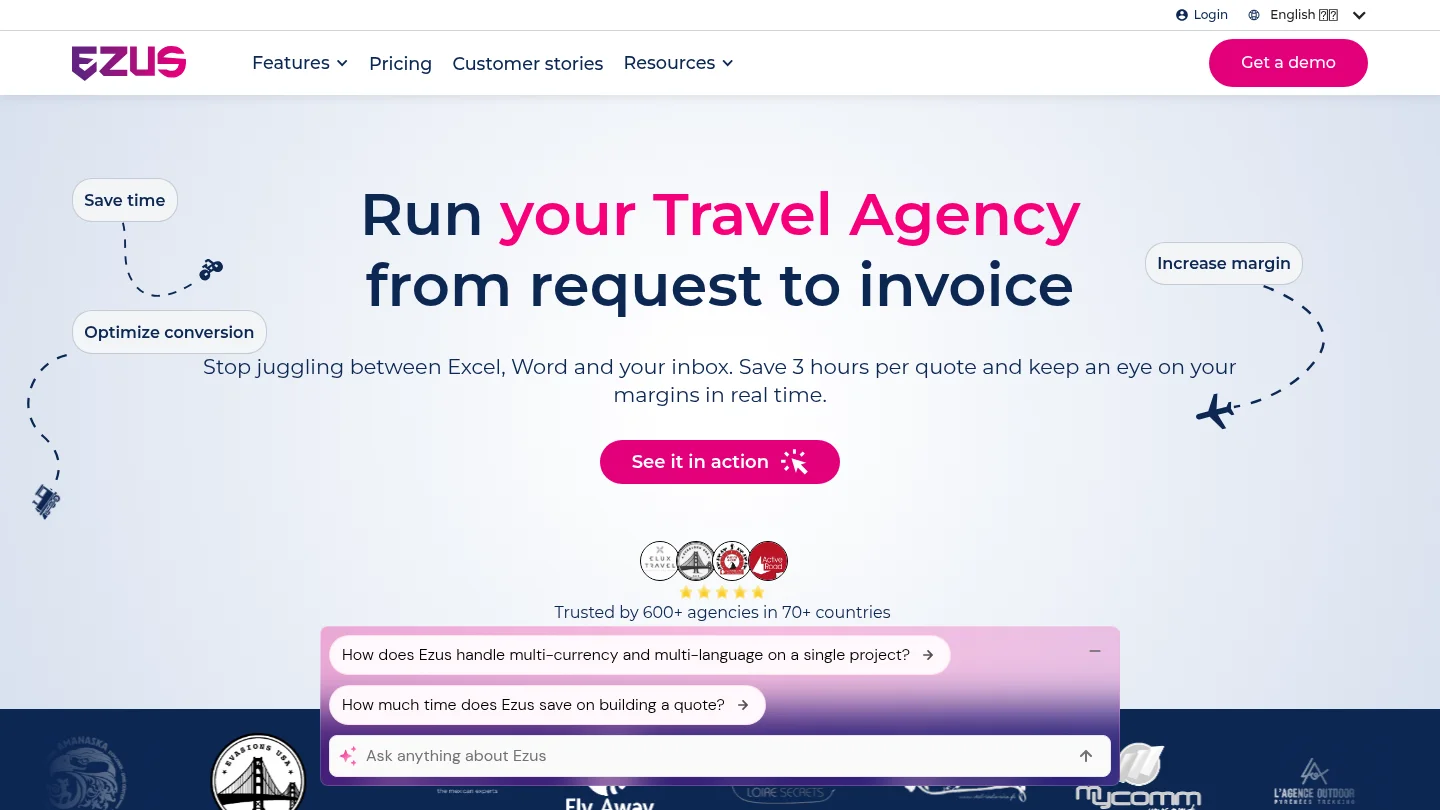
Our itinerary builder automates custom itineraries, budgets, and sales documents, then lets you share polished, on-brand proposals through a client portal for quick approvals. With real-time collaboration, smart pricing, and multi-currency support, your team can quote faster and keep every detail aligned in one always-updated platform. Request a demo to see how much time you can reclaim on every quote.
Frequently Asked Questions
Is Excel or Google Sheets better for a travel itinerary?
Both share the same column-based structure, so the choice depends on your workflow. Excel works well offline and within a Microsoft environment, while Google Sheets makes real-time sharing and mobile access easier. For solo laptop planning, either is a reliable option.
What tabs should a travel itinerary spreadsheet contain?
A strong file includes an overview tab, a day-by-day schedule, a budget tracker, and a bookings sheet with confirmation numbers. Many travelers add a packing checklist and emergency contacts. Keeping each on its own tab prevents clutter and keeps the main schedule readable.
How far in advance should I build my itinerary?
Behavioral data suggests many travelers reach a planning peak around eight weeks before departure. Starting a spreadsheet early gives you a stable place to gather research, compare options, and refine your budget without rushing key decisions.
When should a travel professional stop using spreadsheets?
Consider a dedicated platform once you handle repeat quotes, multiple currencies, or client-facing proposals. At that point, manual formatting and version control cost more time than they save. Our itinerary builder automates these steps and produces branded documents in one click.
Can I reuse the same Excel itinerary template for future trips?
Yes, and reusing it is one of the biggest advantages of the spreadsheet approach. Build a general template rather than an overly specific one, then duplicate the sheet for each new trip. You simply update the dates, destinations, and budget.
.jpeg)

Join Ezus today
Request a demo today and discover how our software can help you reach new heights.