


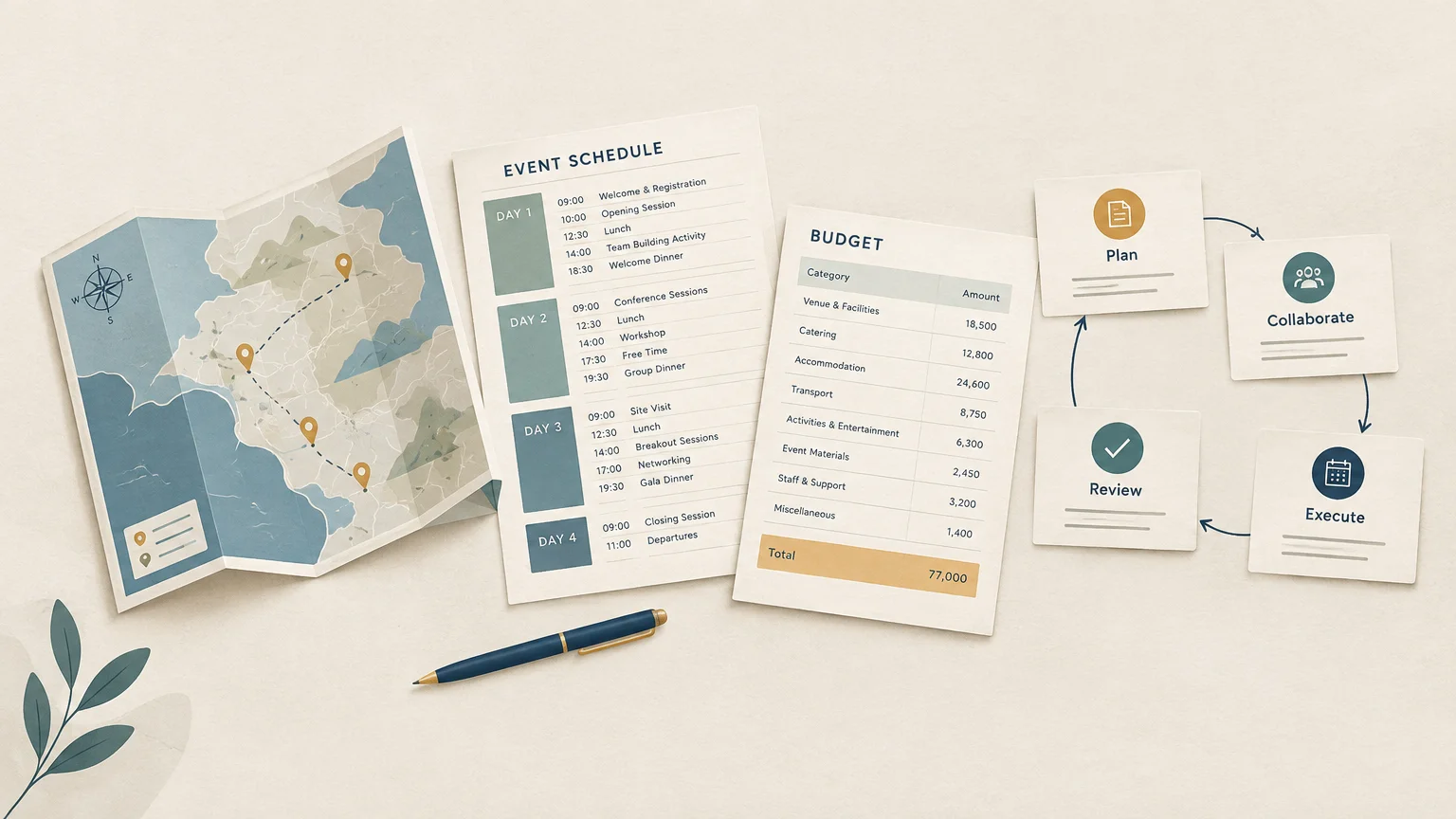
Summary: MICE agency software connects the planning, travel, supplier, budget, and client communication tasks behind corporate events and group programs. The right choice depends on your agency’s services: distinguish tools for venue sales or attendee engagement from platforms designed to coordinate travel production and operations. Map your workflows, check integrations, and test a real project before committing.
MICE projects bring event schedules, group travel, supplier details, proposals, and changing budgets into one client commitment. When that information sits in separate documents and inboxes, teams must reconcile versions as plans change. Start by understanding what MICE software for agencies should coordinate across your workflow, not simply which features appear on a list.
MICE means meetings, incentives, conferences, and exhibitions. The scale of business events makes accurate coordination important: a 2026 study by the Events Industry Council and Oxford Economics estimated that business events supported 24.2 million jobs worldwide in 2025. For agency teams, software should connect the work of building a program with the work of costing, selling, and delivering it.
What should MICE agency software cover?
A MICE agency may coordinate a conference with attendee schedules, an incentive trip with group travel, or an exhibition with multiple suppliers. Each program has different operational details, but the agency still needs a clear record of the request, scope, costs, client decisions, and next actions.
Look for a workflow that carries information from the initial request into itinerary or program design, budgeting, pricing, proposal sharing, approvals, supplier coordination, and financial follow-up. If an approved proposal has to be manually rebuilt for operations, the system has not connected the full lifecycle.
Travel and event operations are related but not identical. Some tools center on venue enquiries, event-space sales, or attendee registration. Agency software should also address the trip or group program being sold, including itineraries, supplier products, quotations, and operational handoffs.
Define your own scope before comparing products. Decide whether registration, ticketing, or attendee check-in is a core service you provide, or whether your priority is coordinating a travel-led program for a client. That distinction helps prevent buying a tool with strong event features but gaps in your agency’s daily production work.
Where does event software end and agency software begin?

The distinction becomes clearer when you follow a project from sale to delivery. Venue-oriented systems often focus on enquiries, room availability, proposals, and event-space planning. Attendee platforms may focus on registration, agendas, communications, or on-site engagement. A travel agency or DMC also needs to manage the itinerary, suppliers, prices, and client approvals behind the event.
Official statistics illustrate how varied MICE activity can be within a single market. Macao recorded 425 covered MICE events and about 181,000 participants and attendees in the first quarter of 2026. Its reporting covers specified events at major centres and paid venues, and excludes meetings with fewer than 10 participants.
That local snapshot is not a global benchmark. It does show why your workflows should accommodate different event formats and group sizes, rather than treating every request as a standard conference. Check whether a system can keep the client proposal, group itinerary, supplier details, and approved budget connected when a program changes.
For travel-led group programs, the handoff between planning and delivery deserves particular attention. Our information on group and MICE travel software covers workflows for organizing travel programs alongside the event requirements.
Which workflows should one system connect?
A practical assessment starts with the project’s path through your team. Ask how each function receives accurate information from the previous step, and whether staff must re-enter details when responsibility moves from sales to production, finance, or operations.
- Project request and setup: capture the client brief, event dates, destinations, group requirements and responsibilities in a single shared record.
- Program and itinerary design: build a day-by-day schedule or travel itinerary, then reuse suitable content and templates for future requests.
- Budget and pricing: track supplier costs, markups, quoted prices and projected margins as the plan evolves.
- Quote and approval: present a clear client document, collect feedback and record approved versions and decisions.
- Supplier coordination: keep products, supplier information and booking status linked to the relevant program.
- Finance and follow-up: link invoices, payments, financial tracking and client reminders to the project.
Integration fit matters when a system must work alongside your existing CRM, email, document, or accounting tools. Confirm which connections are included in the plan you are considering, which require configuration, and whether data can be exported in a usable format.
International work adds practical tests. Check support for your currencies, languages, brands, and destinations, as well as permissions for different roles. A sales colleague and a finance colleague may need access to the same project but different controls.
How can you compare MICE agency software?
Use a real project to test the system, rather than relying on a feature checklist alone. Choose a recent request with a change in group details or supplier costs, then follow it from intake through proposal and operational handoff.
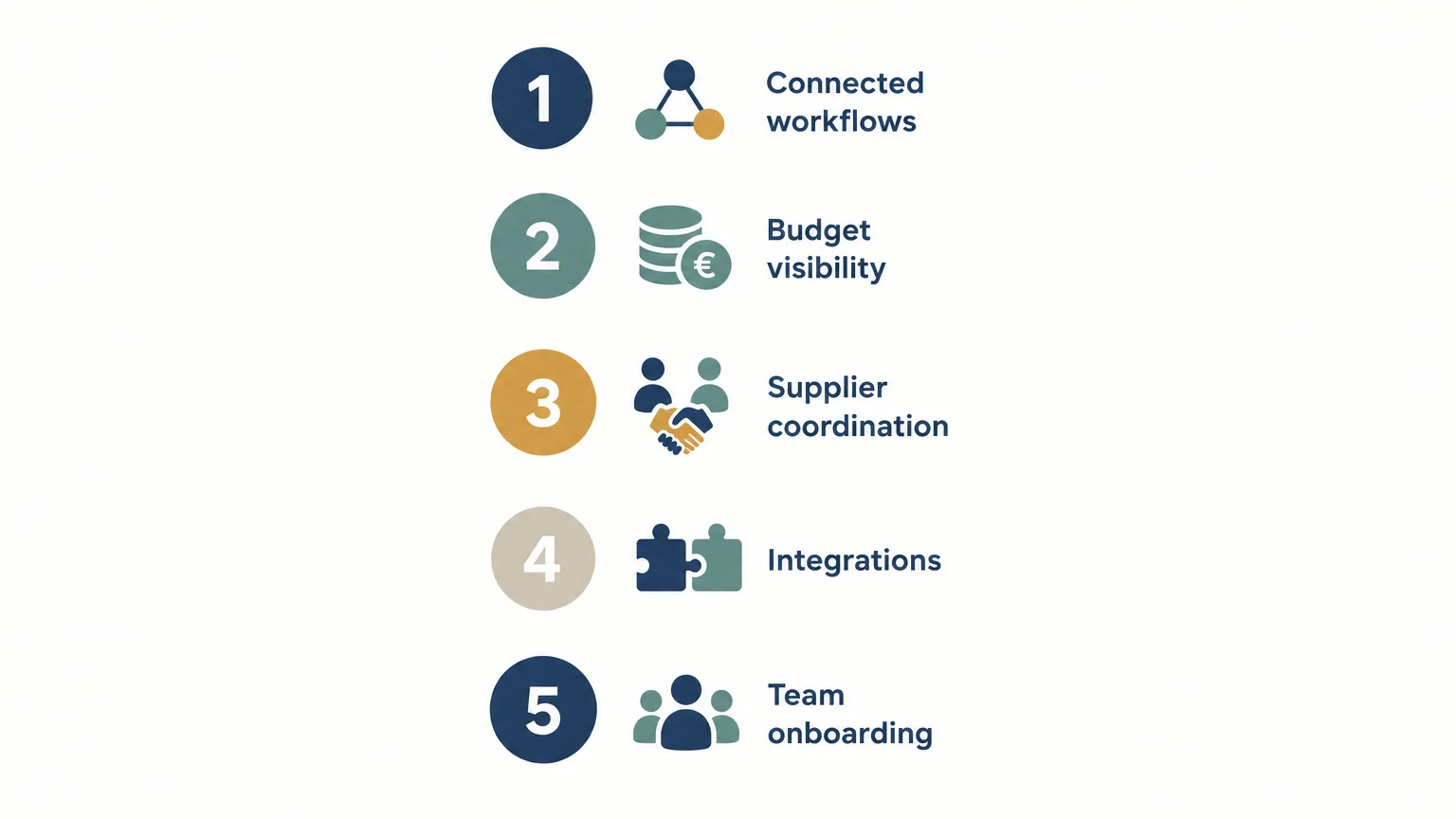
- Workflow coverage: can the project move from request to quote, approval, supplier coordination and financial follow-up without repeated manual re-entry?
- Cost visibility: can your team see supplier costs, margins and projected margins while preparing a quote?
- Client experience: can clients review the quote, share their feedback and clearly approve the right version?
- Integration and access: does the system integrate with your current tools, and can you set appropriate permissions for each role within the team?
- Rollout support: what setup, training, data migration and ongoing support will your team need?
Then test the change process. Update an arrival time, supplier cost, or activity, and check which itinerary, proposal, budget, and internal records need revision. A useful system makes it easier to identify the current information and communicate the change to the right people.
Ask for a demonstration using one of your own workflows. Confirm whether sample data can be imported, how templates are created, and what happens when an existing project is duplicated for a new client. If your business runs incentive trips, our resource on planning an incentive event can help frame the trip-planning requirements you bring to that evaluation.
How do you validate fit before implementation?
Start with the tasks that consume the most effort or create the most version-control problems. Set a baseline for proposal turnaround, re-quoting, handoffs, or margin review, then agree which teams will test those workflows and what a successful result looks like.
Evidence from the wider events sector reinforces the value of checking how systems fit together. Forrester’s Q1 2026 survey of more than 400 global event decision-makers found a gap in perceived event performance: around half of organizations said their events performed well, while 38% of chief marketing officers agreed. The finding makes clear goals and useful reporting important evaluation criteria, not optional extras.
Review implementation requirements before signing. Confirm the data format needed for migration, the configuration work included, the training schedule, and any separately priced services. Identify an internal owner who can check templates, supplier records, user permissions, and finance workflows before the wider team adopts the system.
Customer accounts can provide useful context, provided you treat an individual result as an example rather than a promise. A testimonial from Elux Group, an outgoing travel agency with MICE activity, describes a 25% productivity gain in building and pricing proposals. That result refers to the customer’s proposal work and should not be assumed for every agency or workflow.
Our platform brings together travel production, proposals, budgeting, supplier coordination, client approvals, and financial tracking. When evaluating it, test the same project from initial brief to operational handoff and confirm that its workflows match your team’s needs.
Choose software around the whole project
The right MICE agency software reflects how your agency sells and delivers its programs. Map the handoffs, test a real project, and verify budget visibility, integrations, and implementation support before deciding. Prioritize a connected workflow that keeps client decisions, travel details, supplier information, and financial records aligned as plans change.
Connect your MICE travel workflows
When your team manages travel programs alongside event requirements, disconnected documents can make quotation, approvals, supplier follow-up, and financial checks harder to coordinate. Evaluate software against the work your agency performs from the first client request through delivery.
Our cloud platform supports travel production, sales, operations, and finance in a shared workspace. It includes itinerary design, budgeting, branded proposals, project templates, supplier management, client approvals, invoicing, and financial tracking. Request a demonstration of DMC software for managing MICE travel to assess how the workflows fit your agency’s projects.
Frequently Asked Questions
What is MICE agency software?
It is software used by agencies to coordinate the planning and delivery work behind meetings, incentive trips, conferences, and exhibitions. Depending on the agency’s services, that work can include travel programs, budgets, proposals, suppliers, client approvals, and financial follow-up.
Is event management software the same as MICE agency software?
Not always. Some event systems focus on venue sales, registration, or attendee engagement, while agency workflows may also require travel itineraries, supplier coordination, pricing, and project handoffs.
Which features should a MICE agency prioritize?
Prioritize the capabilities that match your services, such as project intake, itinerary or program design, budgeting, proposals, supplier management, approvals, and financial tracking. Check integrations, permissions, and migration support alongside feature coverage.
How can an agency assess whether software will fit?
Test a representative project from request intake through proposal, approval, and operations. Include a realistic change to the schedule, group details, or supplier costs, then check how the update flows through the project.
Can travel software support incentive trips and group programs?
Yes, when its functions match the agency’s travel workflows, including itinerary design, budgeting, supplier information, proposals, and client communication. Our platform supports group and MICE programs, so a demonstration can help you assess its fit for your incentive trips.
.jpeg)

Join Ezus today
Request a demo today and discover how our software can help you reach new heights.




.jpg)


