
Summary: An online travel itinerary maker helps you organize destinations, activities, reservations, routes, budgets, and client information in one digital workspace. The right choice depends on whether you need personal trip planning, collaborative travel organization, or professional tools for proposals, pricing, supplier management, approvals, and client portals.
What should you expect from an online travel itinerary maker beyond a simple day-by-day list? The most useful platforms combine itinerary editing, maps, reservations, budgets, collaboration, and sharing. For travel professionals, the standard is higher because the tool must also support branded proposals, pricing, supplier data, client approvals, and operational follow-up. Our itinerary builder software is designed for this broader professional workflow.
Digital travel planning is also becoming more central to how people research and organize trips. For example, Yatra reported 88 million visits to its web and mobile properties during its fiscal year ending March 31, 2026, alongside 22.4 million mobile application downloads. That company-specific data does not represent the whole travel market, but it illustrates the importance of accessible, mobile-friendly travel information and planning tools.
What is an online travel itinerary maker?
An online travel itinerary maker is a web-based tool that helps you build, edit, store, and share a trip plan. Instead of keeping flight details in an inbox, activities in a spreadsheet, and addresses in separate notes, you can organize them in a structured itinerary.
Basic tools usually focus on destinations, dates, activities, and notes. More advanced platforms add maps, travel times, booking imports, route planning, budget tracking, document exports, and collaboration. Professional systems go further by connecting itinerary creation with sales, pricing, CRM, supplier management, invoicing, and client communication.
The distinction matters because “itinerary maker” can describe several different products. A consumer planner may help friends coordinate a holiday. A design platform may help you create a visually attractive PDF. A travel-business platform may help an agency turn an inquiry into a priced proposal, obtain approval, manage bookings, and track profitability.
Which features matter most when you create an itinerary online?
The first test is whether the tool supports the way you actually plan. A useful platform should make changes easy, preserve important information, and reduce repetitive work rather than simply provide a blank calendar.
Visual quality also affects usability. A polished itinerary should make the next action obvious, whether that means checking into a hotel, meeting a guide, taking a transfer, or reviewing a proposal. However, attractive design should support accurate information rather than conceal missing details.
If you are comparing ways to create an itinerary online, consider how many times you will edit the plan after the first draft. A tool that saves a few minutes during initial setup may create more work later if every revision requires manual reformatting.
How do maps, bookings, budgets, and AI work together?
A modern itinerary tool can combine several planning layers. The itinerary provides the structure, the map shows geographic logic, booking data adds practical details, and the budget connects the plan to its financial consequences.
Maps are particularly useful for multi-stop trips and road journeys. They can reveal whether a schedule requires unnecessary backtracking or places too many activities in one day. Travel-time information also helps you distinguish a realistic itinerary from a list of attractive places that cannot comfortably fit together.
Reservation handling solves a different problem. Importing or attaching confirmations can reduce the risk of losing flight numbers, hotel addresses, check-in instructions, or activity references. The feature is most valuable when it keeps those details connected to the correct date and destination.
AI can help generate ideas, summarize information, suggest sequencing, or create a first itinerary draft. It should not replace verification. Opening hours, transport schedules, entry requirements, seasonal availability, and supplier terms can change, so you should check operational details before presenting a plan as final.
AI-assisted planning is already part of the wider travel technology landscape. A 2026 filing from Tripadvisor described an AI-powered travel itinerary generator launched in July 2023. The example shows how quickly automated itinerary creation has moved into mainstream travel product development, although the quality of any generated plan still depends on the data and review process behind it. The filing describes the launch.
For a travel agency, AI is most useful when it supports a controlled workflow. The team should be able to adjust the itinerary, apply approved products, confirm prices, review margins, and share only validated information with the client.
Should you choose a consumer planner or professional travel platform?
The right category depends on who creates the itinerary, who receives it, and what happens after the itinerary is shared. A family organizing a holiday needs convenience and collaboration. An agency needs repeatable production, commercial control, and operational continuity.
Consumer tools can be appropriate when you are planning your own trip and do not need sales or operational functions. Travel planners such as Wanderlog, TripIt, Canva, and other general-purpose tools cover different combinations of maps, reservations, collaboration, design, and automated planning.
For a travel company, the central question is whether the itinerary remains connected to the rest of the business. Our travel itinerary planner approach connects itinerary design with budgets, quotations, proposals, CRM follow-up, supplier management, invoicing, payment, and financial visibility.
What makes an itinerary maker suitable for a travel agency?
A professional itinerary maker should support the complete path from request to confirmed trip. It should help your team move from a client brief to a structured program, then from a program to a price, proposal, approval, booking record, and operational file.
This is where professional travel workflows create a meaningful difference. A standalone itinerary editor may produce a polished document, but it may not help your team manage supplier information, calculate markups, monitor margins, or coordinate finance and operations.
Our platform centralizes travel production, sales, operations, finance, collaboration, client communication, supplier management, and related workflows. It supports custom and multi-country itineraries, dynamic budgeting, customizable documents, interactive web presentations, traveler portals, product catalogs, CRM, invoicing, payment, supplier booking management, and financial tracking.

Reusable project templates are another important capability. Our template catalog can store itineraries, products, content, budgets, and pricing. Teams can organize templates by destination, sub-destination, labels, and dates, then duplicate and adapt them for new requests. This supports template reuse without forcing every trip into an identical format.
For agencies evaluating a travel agent itinerary builder, client presentation is equally important. Interactive proposals and personalized traveler portals can give clients clearer access to trip information, feedback, review, and approval, while your team continues working from centralized data.
Our platform is used by more than 600 agencies in more than 70 countries, according to our company information. That stated adoption is relevant for buyers who need a system designed around agencies, DMCs, tour operators, tailor-made travel businesses, and MICE teams rather than a personal holiday planner.
How should you assess pricing, onboarding, and data handling?
Price is only one part of the software decision. You should also calculate implementation time, user access, data migration, training, integration work, and the internal effort required to maintain templates and supplier information.
Our Professional plan is listed at 75€ per user per month when billed annually. The Premium plan is listed at 100€ per user per month when billed annually, and includes an Account Manager from three users. Enterprise is billed annually and priced on request from 30 users. Displayed subscription prices exclude tax.
A mandatory one-time Onboarding Pack is listed at 1,990€ excluding tax. It covers configuration, training, onboarding resources, and support intended to prepare the account for operational use. Formatted data import is listed at 390€ excluding tax, while raw-data import is assessed according to the work involved.
These conditions make it important to ask practical questions before purchase. Confirm whether the subscription is annual, when access begins, how added users are billed, what is included in onboarding, and whether your existing data must be reformatted before migration.
You should also examine permissions, exports, hosting, backups, integrations, and support channels. Our platform supports role-based access, multi-currency and multilingual operation, multi-brand workflows, APIs, webhooks, SSO, no-code connectors, custom exports, and workflow configuration, with some capabilities depending on the selected plan.
Data portability deserves attention because your itinerary system becomes a long-term operational record. Our service information states that customers can export documents at any time and request a data export. European AWS hosting in Ireland, encryption, backups, and GDPR-related controls are also described as part of the platform environment.
The travel experiences market remains only partly digitized. Tripadvisor cited Arival research estimating that approximately 30% of the global experiences market was online in 2025, with the market projected to reach about $365 billion by 2028. The figures concern experiences rather than itinerary software, but they indicate why operators continue to invest in digital workflows for discovery, proposals, bookings, and customer communication. The 2025 market estimate is a useful context point, not a forecast for any individual platform.
What is the best way to test an online travel itinerary maker?
A short demonstration is useful, but a realistic workflow test is more revealing. Use a recent inquiry and ask the vendor to show how the platform handles the full process, from initial request to client approval and operational follow-up.
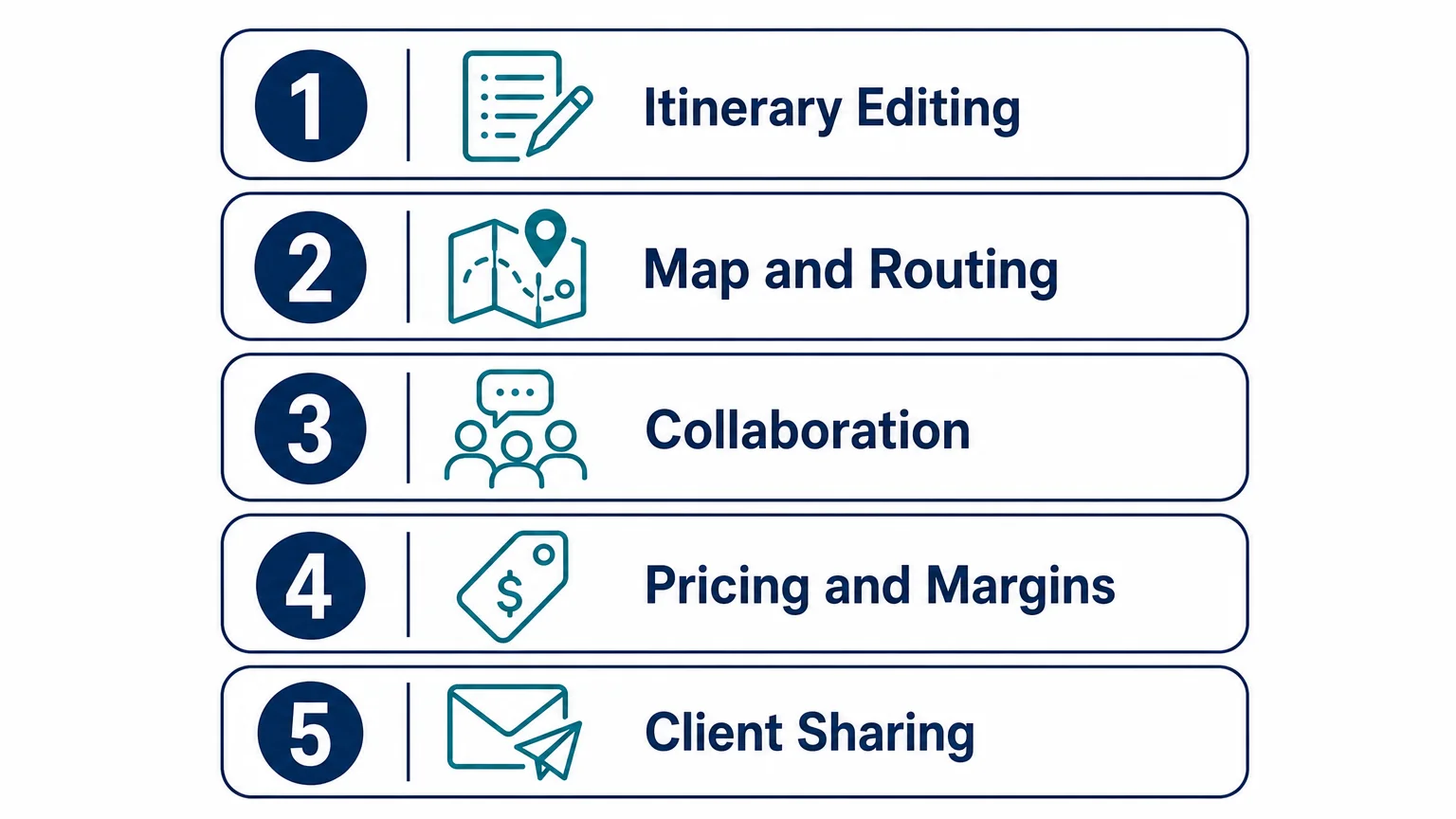
During the test, measure more than the first itinerary. Check how quickly a new team member can learn the system, how easily managers can review work, and whether finance and operations can access the information they need without recreating it elsewhere.
Choose the itinerary maker that fits the whole journey
The best online travel itinerary maker is not necessarily the tool with the most templates or the most attractive first draft. It is the platform that matches your planning context, keeps information accurate, supports collaboration, and remains useful after the itinerary is shared. Personal travelers may need maps, reservations, budgets, and group editing, while agencies require those features alongside pricing, templates, client portals, supplier management, and financial control. Define your complete workflow before comparing tools, then test the most important scenario with real data.
Build Better Travel Itineraries With One Professional Platform
When itinerary creation is connected to pricing, proposals, client approval, supplier coordination, and financial tracking, your team can work with fewer disconnected files and more consistent information.
Our cloud platform supports travel agencies, DMCs, tour operators, tailor-made travel businesses, and MICE teams with reusable templates, interactive proposals, traveler portals, dynamic budgets, CRM, invoicing, payment workflows, and margin visibility. Explore our online travel itinerary builder and request a demonstration based on your operational needs.
Frequently Asked Questions
What is the difference between an itinerary maker and a travel booking platform?
An itinerary maker organizes the trip structure, including dates, destinations, activities, reservations, and travel information. A booking platform may also manage availability, transactions, payments, or supplier inventory, so the two tools can overlap without being identical.
Can an online travel itinerary maker import bookings?
Some platforms can import confirmation details, attach booking documents, or connect reservation data to the correct trip dates. You should verify which suppliers and file formats are supported before assuming that every booking can be imported automatically.
Is AI useful for creating travel itineraries?
AI can generate a first draft, suggest activities, summarize destination information, and help reorganize a schedule. You should verify opening hours, transport details, availability, entry requirements, and supplier information before sharing the itinerary.
What should travel agencies look for in an itinerary platform?
Agencies should evaluate itinerary editing, templates, pricing, margin visibility, supplier data, CRM, client portals, approvals, invoicing, integrations, permissions, exports, and onboarding. The platform should support the complete workflow rather than only producing a visually attractive document.
Can Ezus support more than itinerary design?
Yes. Our platform connects itinerary creation with budgeting, pricing, quotations, proposals, CRM follow-up, supplier booking management, invoicing, payment, financial tracking, collaboration, and traveler portals. It is designed for travel businesses that need professional travel workflows in one cloud environment.
.jpeg)

Join Ezus today
Request a demo today and discover how our software can help you reach new heights.