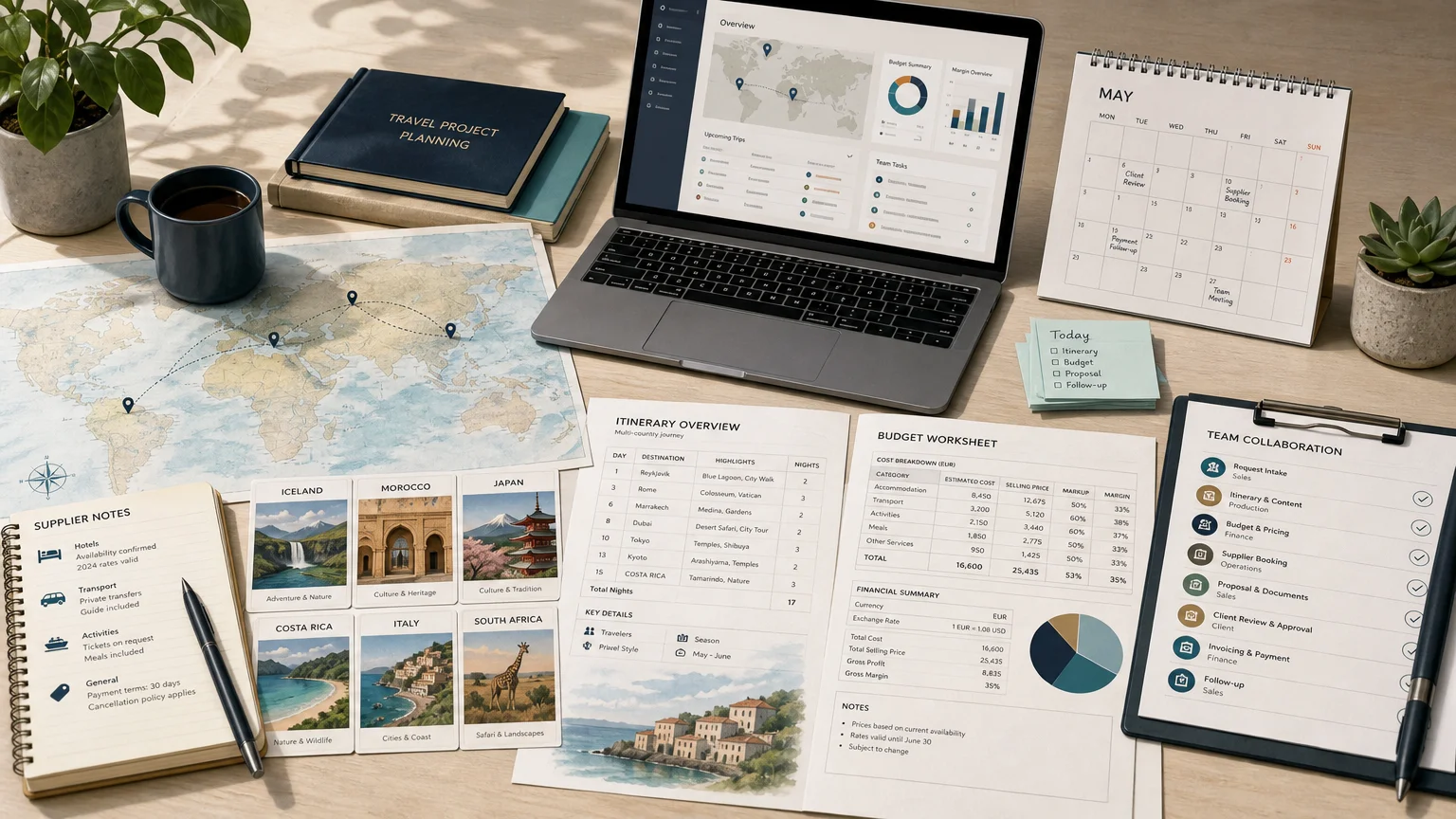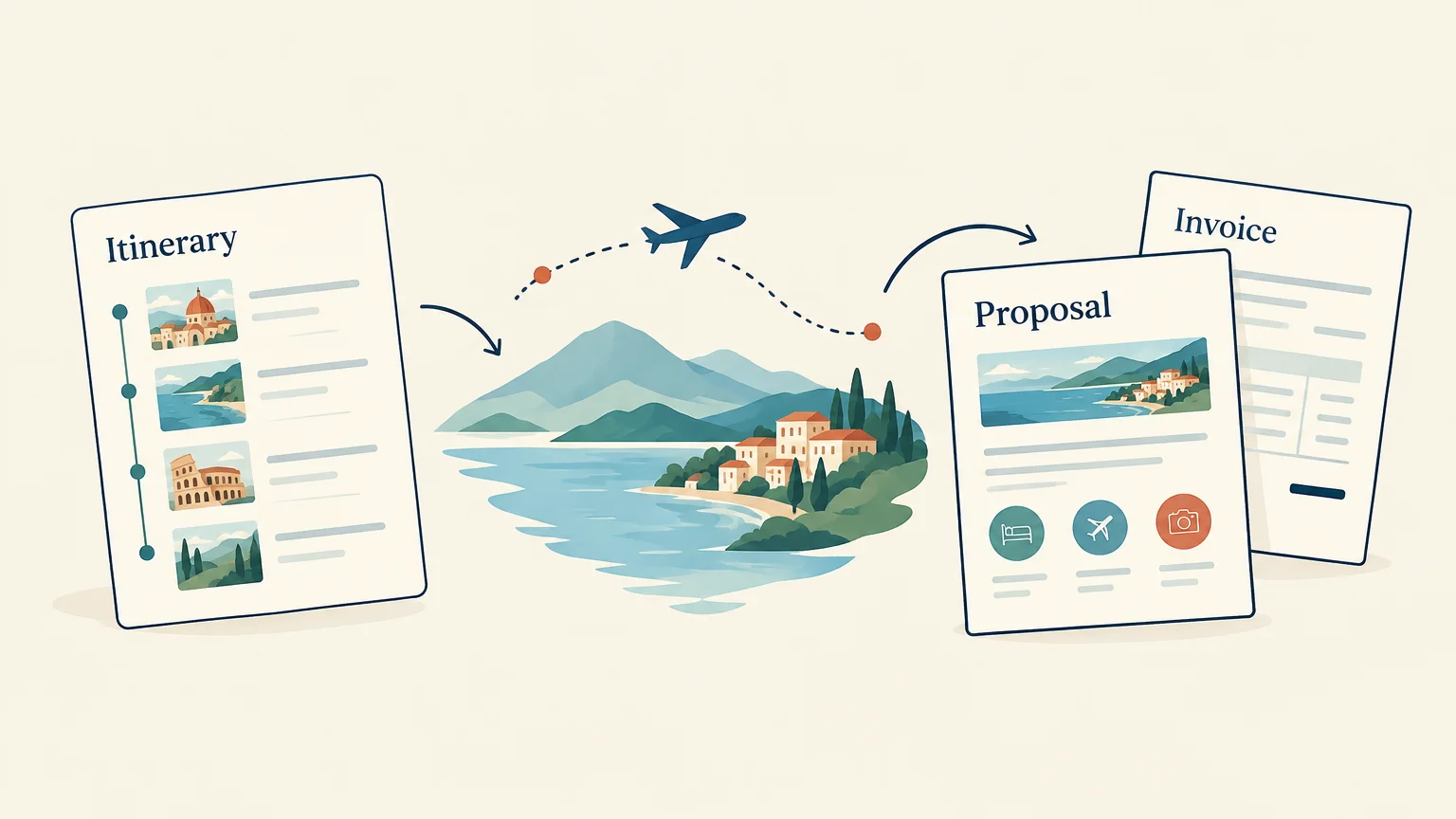

Most agencies choose their travel agency software the same way: three demos, one that looks brilliant, a signature. Six months later, the team discovers that group pricing, supplier bookings or invoicing work differently than expected. A travel agency software requirements checklist prevents this by making every vendor answer the same questions, based on your processes rather than their best-case scenario.
This guide gives you a ready-to-use template in four steps: map your processes, list your requirements by module, test vendors on real scenarios, and score them with a weighted grid. Copy the checklists, delete what does not apply, and send the result to your shortlist.
Why a travel agency software requirements checklist beats a brilliant demo
A demo is a show prepared by the vendor. The sample trip is simple, prices are clean and nothing changes at the last minute. Your daily work looks nothing like that. A written document shifts the conversation from what the tool can do to what your agency needs.
- Compare like with like: every vendor answers the same list, so you compare answers, not presentations.
- Involve the team: sales, operations and finance each add the requirements they live with.
- Protect the budget: precise requirements reveal which features sit in higher plans.
- Prepare onboarding: once signed, the same document becomes the configuration brief.
Step 1: map your processes before listing features
Starting from your processes, not from a feature list, reveals what really matters. Take one recent trip and follow it from first contact to final invoice.
From request to invoice
- Request: where do requests come from, and who qualifies them?
- Proposal: how do you build, price and send the itinerary?
- Booking: how do you request, confirm and track each supplier service?
- Travel: which documents does the traveller receive, and how are changes handled?
- Closing: how are deposits, supplier invoices and final margin checked?
At each stage, note every piece of information typed twice. Those double entries are your first requirements.
Your sales mix: FIT, groups, MICE, B2C, B2B
Write down the share of each type of sale, because it changes the weight of each requirement.
- FIT (tailor-made individual trips): quoting speed, reusable content, quick revisions.
- Groups: pricing on several participant bases, free places, rooming lists.
- MICE and events: many suppliers per day, optional services, fine control of VAT.
- B2C: branded proposals, online payment, a traveller area.
- B2B (DMCs, inbound agencies): proposals in the client's language and currency.
Step 2: your travel agency software requirements checklist by module
Mark each line must-have, nice-to-have or not relevant. Ask vendors to answer yes, partially (with an explanation) or no.
Production: itineraries and budgeting
- Itinerary builder with a reusable library of days, services and photos
- Supplier catalogue with seasonal, flat and tiered rates
- Cost, selling price and margin per service
- Commissions, discounts and margin rules by project, product or client
- VAT: margin scheme for travel agencies and VAT rate per service
- Multi-currency with updated exchange rates
- Group pricing on several participant bases (for example 10, 20 and 30)
Budgeting is where errors cost the most. For a concrete example, see the Ezus budgeting tool.
Sales: CRM, proposals and client experience
- CRM with contacts, companies, requests and pipeline
- Branded web proposals and PDF quotes, in several languages
- Online traveller area for each trip
- Online collection of deposits and balances
Operations: suppliers and travel documents
- Bulk booking requests to suppliers from templates
- Status per service: requested, confirmed, to book
- Rooming lists generated from participant data
- One voucher per supplier, ideally with a QR code
- Supplier invoices matched against forecast costs
Compare your list with a complete reference such as Ezus supplier management.
Finance: invoicing and accounting
- Invoices and credit notes with automatic numbering
- Deposits, balances and a client payment schedule
- Supplier payment tracking
- Accounting exports your accountant can import
- E-invoicing readiness: structured format and connection to the certified platform
E-invoicing deserves its own line: the EU's VAT in the Digital Age package lets Member States make it mandatory and introduces digital reporting for cross-border B2B transactions from July 2030. The Ezus financial management module shows one way to cover these points.
Technical: integrations, security and languages
- Public API and no-code connectors such as Zapier
- User permissions: who sees margins, who can invoice
- GDPR, data processing agreement and hosting location
- SSO, encryption and backups
- Export of documents and data at any time
- Interface, documents and support in your team's languages
- AI: access for assistants such as Claude or ChatGPT, for example through an MCP connector
Step 3: questions to ask vendors during the demo
Send your checklist beforehand and ask the vendor to show your case, not theirs. Bring a real file from last season, for example a group of 20 people, three destinations and two currencies.
Scenarios to test live
- Move the departure date by one week: what happens to prices, bookings and documents?
- A supplier revises its rate after the quote is sent: is the margin recalculated?
- The client adds two travellers and a single room: how long does the update take?
- Issue a deposit invoice, then a credit note after a cancellation.
- Log in as a junior salesperson: what can they see and modify?
Questions about the vendor
- What does onboarding include, and how long does it last?
- Is data import included, billed at a fixed price or quoted?
- Does the subscription start at signature or at go-live?
- Is pricing published per plan? Ezus, for example, publishes its pricing per user.
Step 4: build a weighted scoring grid
Without a grid, the last demo always wins. Weight each criterion according to your sales mix, score every vendor from 1 to 5, then multiply. A starting grid for a tailor-made agency:
- Production and budgeting: weight 25%
- Operations and suppliers: weight 20%
- Finance and invoicing: weight 15%
- Sales and client experience: weight 15%
- Integrations and security: weight 10%
- Onboarding and support: weight 10%
- Total cost over three years: weight 5%
A vendor rated 4 on production earns 1.0 point (25% × 4), a 3 on operations adds 0.6, and so on, for a total out of 5. A DMC running groups will raise operations; an agency focused on FIT will raise production. Have two people score separately, and eliminate any vendor rated 1 on a must-have.
Send your checklist to three vendors this month
A good requirements document fits on a few pages: your processes, your module checklists, your demo scenarios and your grid. Send it to three vendors, ask them to demo your real file and score them on the same grid. The decision becomes clear, and so does your onboarding plan.
Ezus is used by more than 600 travel agencies, DMCs and tour operators in over 70 countries. Itinerary builder, budgeting with margin scheme VAT and multi-currency, CRM, supplier bookings with rooming lists and vouchers, invoicing and online payments are included from the first plan.
Book a demo with Ezus and discover how your own checklist holds up on a real file from your agency.
Frequently Asked Questions
What is a travel agency software requirements checklist?
A document that describes your processes, lists the features you need by module and explains how you will score vendors. You then compare answers rather than demos.
How many vendors should I compare?
Three finalists are usually enough. Eliminate in writing on your must-haves first, then book demos with the finalists only.
Who should write the requirements document?
The manager leads it, but sales, operations and finance should each contribute. Their involvement makes adoption much easier.
Does Ezus handle the margin VAT scheme for travel agencies?
Yes. The budgeting module applies the margin scheme, VAT per service, commissions, free places and multi-currency with xe.com rates. Details are on the budgeting feature page.
Can Ezus connect to my accounting and e-invoicing tools?
Ezus provides accounting exports and an XML export for e-invoicing. From the Premium plan, invoices can reach your certified platform through Zapier or the public API.
How long does it take to implement Ezus?
Average onboarding takes 23 days, with a dedicated onboarding specialist for up to three months. Your subscription only starts at the kick-off.
Which demo scenario reveals the most about a travel agency software?
A supplier cost revised after the quote has been sent: it shows whether the margin updates. In Ezus, forecast and actual margin are compared for every file at closing.


Join Ezus today
Request a demo today and discover how our software can help you reach new heights.