
Summary: The right travel software for large teams depends on whether you organize trips for customers or manage employee business travel. Agencies, DMCs, and tour operators need connected itinerary, quoting, supplier, and finance workflows. Corporate travel teams need booking, policy controls, traveler support, and expense reporting. Start by matching software to your operating model, then evaluate permissions, integrations, migration, and full costs.
What happens when a sales consultant, itinerary designer, operations coordinator, and finance lead all update the same trip? When work is scattered across spreadsheets and inboxes, even a small change can create confusion. The right travel software for large teams brings shared trip data and repeatable processes together, but the right category depends on your work. Agencies, DMCs, and tour operators often need the full journey from proposal to financial tracking, not just a way to book employee flights. For group departures, our software for group travel page explores a related set of planning needs.
A 2026 global study of travel management company leaders identified rising traveler expectations and pointed to integration, automation, and better use of data as opportunities to address them. Those priorities matter, but they do not make every travel platform suitable for every travel business. The 2026 TMC leader study offers useful context for teams assessing their systems.
What does your team need to coordinate?

Begin with the work that must move between people. A travel agency might receive an inquiry, build a tailored itinerary, price it, share a proposal, confirm suppliers, and invoice the traveler. The software should help those teams work from consistent trip information rather than passing files between departments.
Look for travel production software that connects itinerary design with budgets, client proposals, supplier information, bookings, and financial tracking. Templates can help teams reuse approved content and pricing structures. Shared project data can also reduce version mismatches when sales, operations, and finance contribute to the same trip.
Then map the handoffs. Who can change prices? Who confirms supplier bookings? Who sees client information or financial details? A larger team needs clear responsibilities as well as a useful central workspace. Ask vendors to demonstrate a complete trip using your actual roles and approval steps.
Is this agency operations software or corporate travel management?
These categories overlap in everyday language, but their main jobs differ. Agency operations platforms help professionals create and manage trips they sell. Corporate travel systems help an organization manage its employees’ business travel, booking policies, and travel-related expenses.
For a DMC or tour operator, supplier booking management is not the same as an employee self-booking tool. Check whether a system supports itinerary production, proposals, supplier coordination, and trip-level finance. If your priority is companywide travel booking and spend controls, assess those requirements separately. Our page on travel management software provides context on that distinction.
Technology fragmentation remains a stated concern in business travel: a March 2026 survey of corporate travel buyers highlighted data gaps and inconsistent experiences across markets. The GBTA research summary concerns corporate travel programs, not agency production workflows, so use it to inform the right set of questions rather than to assume one platform serves both purposes.
Which platforms belong on your shortlist?
Compare systems by operating focus, not by the number of features on a product page. The examples below serve different workflows, so treat them as starting points rather than a like-for-like ranking.
Ezus
Our platform supports travel agencies, DMCs, tour operators, and MICE businesses with itinerary production, budgeting, proposals, supplier booking management, CRM, invoicing, and trip-level financial tracking. It also supports team collaboration, role-based permissions, project templates, and, depending on the plan, multi-brand and multi-account operations.
In 2026, more than 600 agencies use our platform across more than 70 countries. We also state that it has more than 4,000 active monthly users and more than 11,000 unique itineraries created each month. An Elux Group testimonial describes a 25% productivity gain in building and pricing proposals; this is a customer-specific account, not a guaranteed or independently established result.
Tourwriter
Tourwriter focuses on luxury and bespoke travel businesses, including DMCs and inbound tour operators. Its described capabilities include itinerary design, CRM, financial management, bookings, and reporting. Ask how its configuration fits your specific team structure, brands, and operating processes.
Travefy
Travefy brings together advisor-oriented itineraries, proposals, CRM, and client communication. If your organization has multiple departments or agency locations, confirm how the available plans handle administration, permissions, shared processes, and reporting at your scale.
Tern
Tern describes workflows for travel advisors, agencies, and hosts, including commission rollups, credential management, and reporting. For a large organization, map its advisor-facing processes against your back-office requirements and confirm how your desired integrations and migration would work.
SAP Concur and Navan
SAP Concur and Navan focus on corporate travel and expense management. They may be relevant when your organization needs employee booking, travel-policy controls, or expense workflows. They are not direct substitutes for the itinerary, supplier, and proposal workflows used to produce trips for agency clients.
If your team sells and produces tailored trips, compare tools against the full operating lifecycle, not just itinerary presentation. Our article on travel agency software for sales teams covers related sales workflows.
Can the software support your team, markets, and systems?
Large-team readiness is more than a high user limit. Check how the software handles roles across sales, production, operations, finance, and management. Role-based permissions should match the information each person needs, while shared workflows should make ownership and project status clear.
For international work, test the details that affect daily operations. These may include multiple currencies, languages, destinations, and brands. Confirm which capabilities are included in each plan, especially when multi-brand controls, multiple accounts, single sign-on, or advanced reporting matter to your team.
Integration claims deserve a practical test. List the CRM, email, accounting, document, supplier, and other systems your teams already use. Ask which connections are available in your proposed plan, whether they require configuration, and how data moves between systems. For custom needs, confirm the scope of APIs, webhooks, exports, or no-code connections.
Plan migration support before agreeing to a go-live date. Ask how the vendor handles existing client, supplier, product, itinerary, and financial data. Clarify whether you must reformat records, whether raw-data migration is included, and who validates the imported information. A small test migration can reveal gaps before they affect daily work.
Use our travel software guide to explore broader software considerations, then evaluate shortlisted systems with real workflows and sample data. A guided demonstration should answer operational questions, not only show polished proposal screens.
How should you evaluate rollout and full cost?
Build a short evaluation around the work your teams actually perform. Test a typical client request, a complex group itinerary, a supplier change, a revised quotation, and the handoff to finance. Ask staff from each department to complete their part of the process, then note where extra data entry or unclear ownership remains.
Use your expected trip volume as well as headcount when estimating capacity. A 2025 Deloitte U.S. survey found that the frequent-traveler downshift was especially strong at surveyed companies with 1,000 or more employees. The 2025 Deloitte study is a reminder to model your own usage scenarios rather than infer travel demand from organization size alone.
For our platform, Professional is €75 per user per month and Premium is €100 per user per month when billed annually; prices exclude tax. Enterprise is billed annually, priced on request, and available from 30 users. A one-time Onboarding Pack is mandatory at subscription start and costs €1,990 excluding tax. Include these costs and any selected migration or additional services in your comparison.
Finally, agree on success measures before rollout. You might track proposal turnaround, repeated data entry, project visibility, or the time needed to prepare financial information. Company figures can provide context, but your pilot should establish whether the workflow works for your teams and customers.
Choose for the work your teams perform
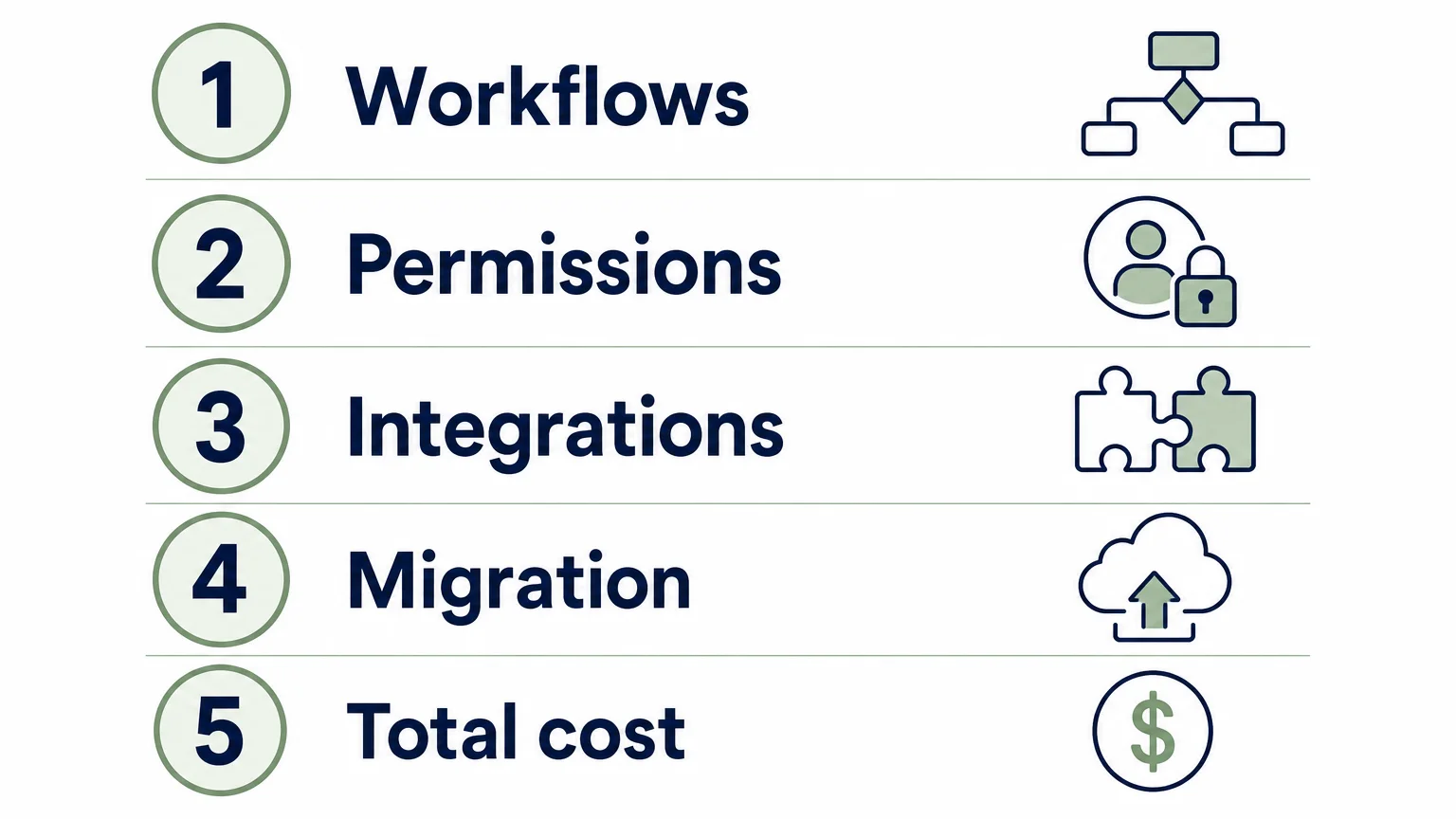
Travel software for large teams should fit the organization’s operating model, not just its user count. Travel businesses producing trips for clients need connected itinerary, sales, supplier, and financial workflows, while corporate travel managers may prioritize employee bookings, policies, and expenses. Define the boundary, test real cross-team scenarios, and compare permissions, integrations, migration, and full costs before committing.
See whether Ezus fits your travel operation
If your teams design and deliver trips for clients, assess whether a shared workspace can connect your production, sales, operations, and finance workflows. In 2026, more than 600 agencies across more than 70 countries use our platform, with over 4,000 active monthly users and more than 11,000 unique itineraries created each month.
Our plans include Professional, Premium, and Enterprise, with Enterprise available from 30 users through a tailored annual quote. The mandatory one-time Onboarding Pack supports configuration and team training; migration and additional services depend on your requirements. Explore our travel agency software to assess its fit for your workflows.
Frequently Asked Questions
What type of travel software does a large travel agency need?
Look for software that supports the work you perform for travelers, from itinerary design and proposals to supplier coordination and financial tracking. Check that its permissions, workflows, and integrations suit your departments and locations.
Does travel agency software replace a corporate booking system?
Not necessarily, because the systems may serve different users and workflows. Agency software helps produce and manage trips for clients, while corporate travel systems often focus on employee bookings, travel policies, and expenses.
Which capabilities matter for a multi-brand travel organization?
Confirm how each plan handles brands, accounts, permissions, reporting, currencies, and languages. Ask the vendor to demonstrate how staff can work across brands while maintaining the access controls your organization requires.
How should large teams compare software costs?
Compare subscription fees alongside onboarding, training, data imports, integrations, and any custom services. Ask vendors to price the configuration you need, rather than relying only on a base per-user rate.
How can a travel company reduce migration risk?
Map the records and workflows you need to move, then agree on preparation, testing, validation, and rollout responsibilities. A sample migration and phased launch can help your team find data or process gaps before full adoption.
.jpeg)

Join Ezus today
Request a demo today and discover how our software can help you reach new heights.

.jpg)




.avif)