Where does the conversation with your client actually live? Not the itinerary, not the budget: the conversation. The back-and-forth that produced the trip.
In most agencies, the honest answer is: in one person's inbox. 📥
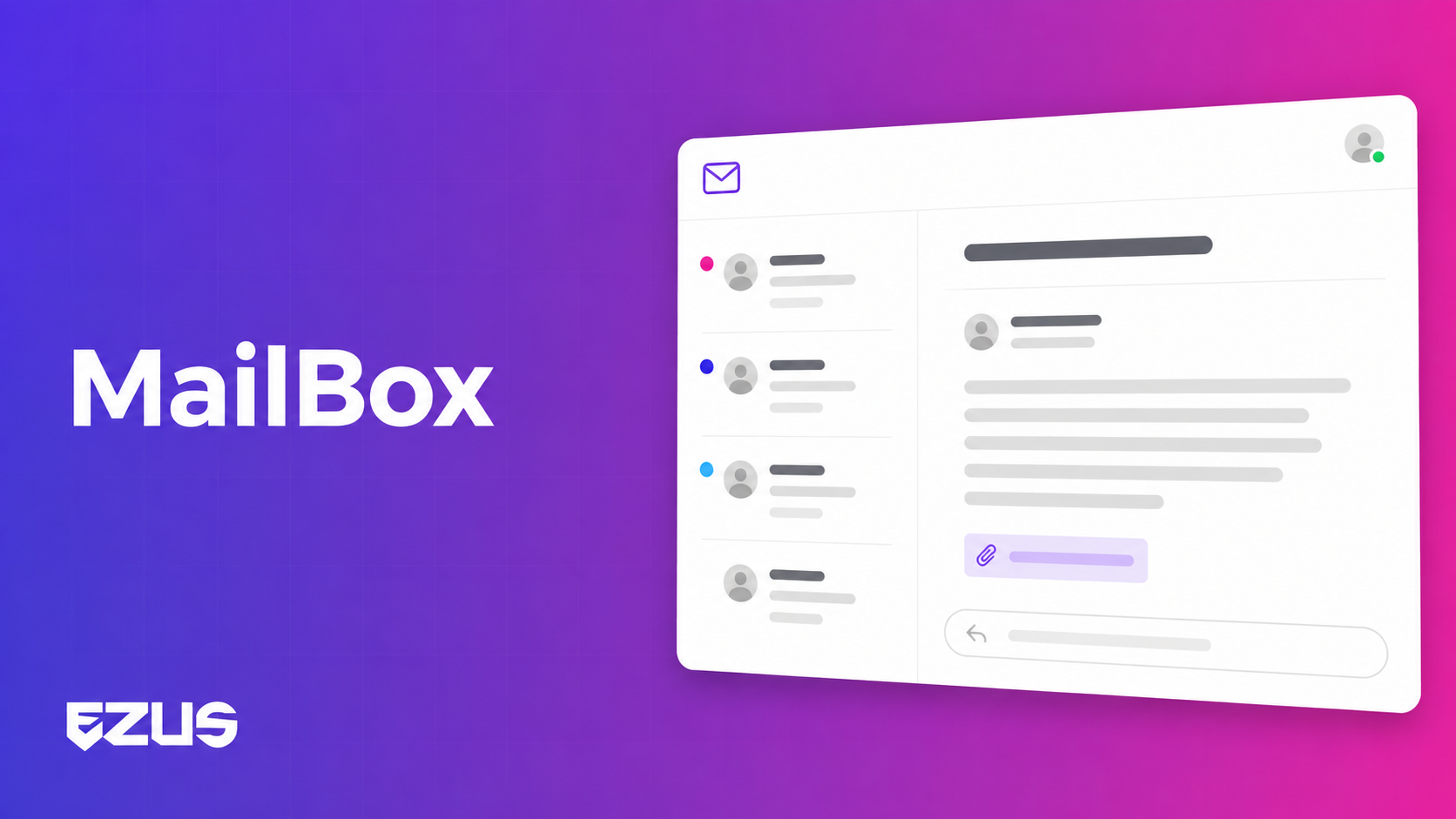
Good news: the Ezus Mailbox now covers your clients, not just your suppliers. Client conversations are attached to the project and to the client record, and visible to your whole team.
The problem: your project only remembers half its story
A tailor-made trip generates dozens of exchanges. The initial brief, the budget adjustment, the hotel the client rejected, the dietary requirement mentioned in passing. When all of that sits in a personal inbox, here is what it costs you:
- Your team sees the itinerary, not the reasoning. The what is documented, the why is not.
- Every handover loses information. Holidays, sick leave, someone leaving: you forward email chains or rebuild context from memory.
- The client has to repeat themselves. And they notice.
- Two histories that never meet. The supplier side already lived in Ezus. The client side lived outside it.
What changes: the client conversation moves into the project 💬
You can now open an email conversation with a client, directly from Ezus. Conversations are automatically associated with the client and the project concerned. Concretely:
Three ways to start a conversation
- From a project, using the envelope icon in the left sidebar, at global level or at client level
- From your client record, directly
- From Messaging, switching from Supplier mode to Client mode, then clicking the pink New thread button
💡 If several contacts are listed for a client, Ezus fills the Recipient field with the first contact's address. To reach another one, click the three dots to the right of that contact, then Send an email.
One client, several projects
A conversation can be linked to several projects at once, while staying attached to a single client. Ideal for repeat clients whose exchanges span more than one trip.
⚠️ One rule to know: a thread can be linked either to one or more suppliers, or to a client, never to both at the same time.
Emails that fill themselves in
Build your templates once, with variables that pull in project and client data. A variable is an attribute name surrounded by double dollar signs:
$$this.contact.first_name$$returns the first name of the client contact you are writing to$$user.first_name$$returns the first name of the Ezus user sending the email
Every email comes out personalized. Zero copy-paste. ✨
Your existing inbox, not a second one
Use a mailbox hosted by Ezus, or connect your Gmail or Outlook account. With synchronization, emails sent and received from Ezus also appear in your usual inbox. Nobody has to change how they work.
A concrete example
👉 Your colleague is away for a week. A client calls to move a hotel on day 4.
Before: you look for the conversation, you do not have it, you call your colleague on holiday, or you ask the client to explain their own trip back to you.
Now: you open the project, you read the exchange, you see that this hotel had already been discussed and why it was chosen. You answer in two minutes.
What you gain day to day 🚀
- The project keeps its own memory. Anyone can pick up a file without a briefing.
- You know whether your proposal was read. Badges carry the status: pink for a new message you have not read on Ezus, blue for an email successfully sent but not yet read by the recipient, light blue once they have read it.
- Your follow-ups are informed. You stop guessing whether the proposal landed.
- The inbox stays organized. Bookmark a thread to find it in the Starred Messages tab, archive closed ones into Archived messages, use the search bar on the left, and change the linked Project(s) or Client from the gear icon in the upper-right corner.
Good to know before switching it on ℹ️
- The Mailbox is available to clients on the Premium subscription
- No limit on the number of emails sent
- Access is all or nothing: as soon as a user has access to the feature, they can view every email sent by every member of your team. That is what makes it collaborative, but it is worth deciding deliberately who gets access.
And this is only the first step. A next version is in the works: selecting multiple suppliers with different email bodies to send in bulk, text formatting, signatures, saved drafts and scheduled sending.
Bring the conversation back where the work happens
A trip file is not just an itinerary and a budget. It is everything that was said to get there.
As long as that lives in a personal inbox, your agency depends on one person being available to stay coherent. Moving the client conversation into the project is a small change in the interface, and a real one in how a team works.
📖 See how to set up the client Mailbox
👉 Book a demo to see it running on your own projects.
.jpg)

Join Ezus today
Request a demo today and discover how our software can help you reach new heights.
.jpeg)



.svg)