One coach, one hotel, one shared programme. And yet, twelve families who didn't pick the same options, don't pay the same amount and each expect their own invoice. 🚌
In many agencies, the answer is one project per family, or a single project backed by a spreadsheet that splits the amounts by hand.
Good news: Ezus GIR mode manages several groups of travellers in the same project, each with its own products, budget and invoices.
The problem: a shared trip, separate accounts
A departure that brings together families, couples or subsets of an association always raises the same question: how do you pool the logistics without mixing up the accounts?
- Duplicating the project for each group multiplies the updates. A schedule changes, and you have to fix it everywhere.
- Keeping a single project forces you to split the amounts outside the tool, in a file nobody else can read.
- Payment tracking gets blurry. Who has paid their deposit? Which group still owes its balance?
- Your margin suffers either way. Either you lose your negotiated rates by splitting everything, or you lose time recalculating.
What changes: groups inside the project, not a project per group 👥
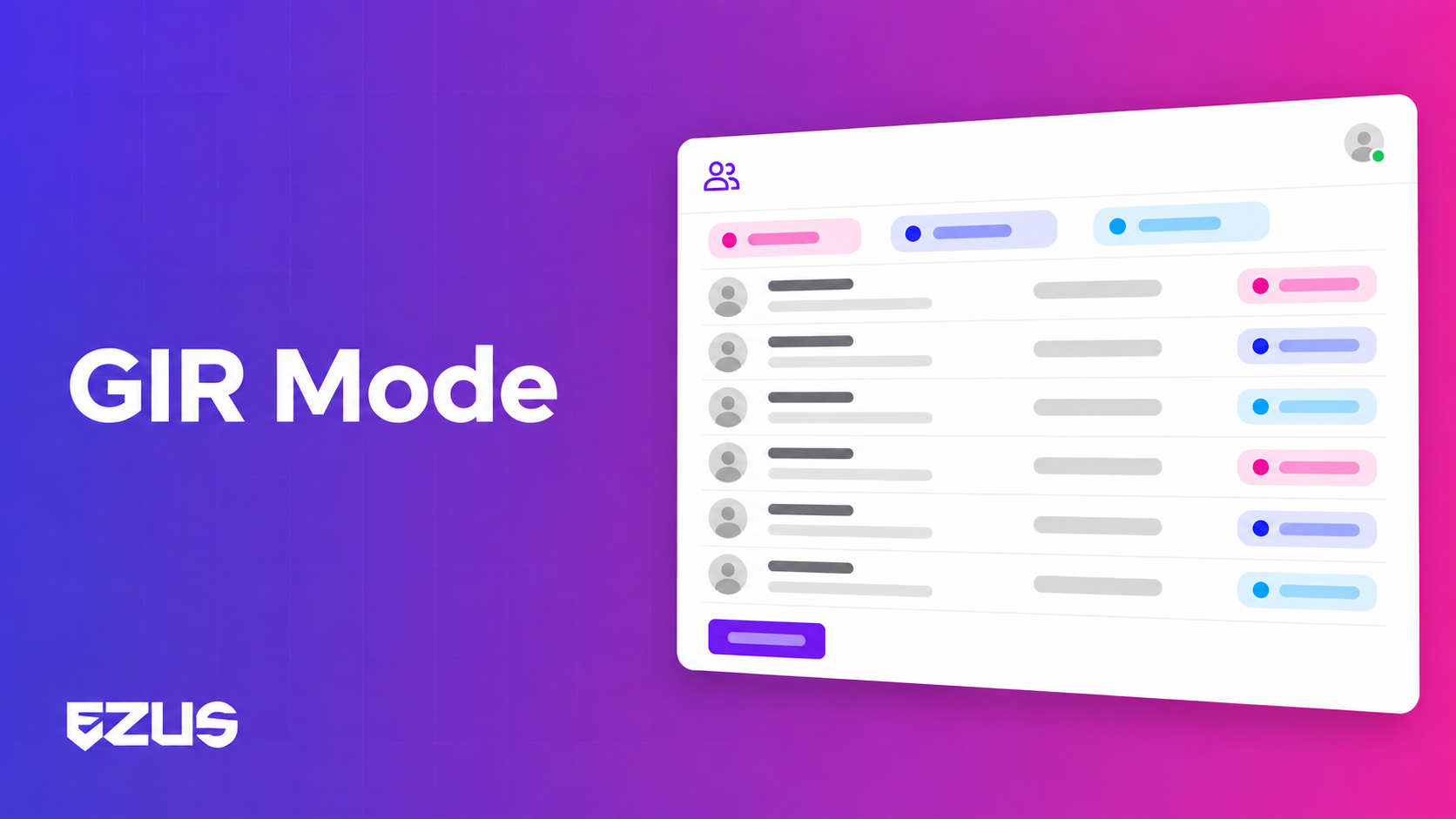
GIR mode (Groupement individuel regroupé, known in English as SIG, Semi-Independent Group) builds on your project's traveller list. You fill it in by hand, copy it from another project or import a CSV, then switch on group mode.
Assign travellers to groups
- A shortcut creates one group per unassigned traveller, in one click: handy when each traveller is invoiced individually.
- Assignment works one by one or in bulk, via the "Assign to [group]" action bar.
- A group filter shows only the relevant travellers, and the list opens full screen for wide tables.
Assign products
Build your programme first, create your groups afterwards: the existing budget is assigned automatically. Each product is split between groups in proportion to their number of travellers, and you can remove a product from a group that doesn't use it.
In the budget, the Quantity column becomes three columns: Formula, Pax, Quantity. An arrow expands each line group by group to show where the total comes from. A new variable, T, returns the number of travellers in the group: your quantity formulas adapt to the size of each one.
Invoice and track by group
- One invoice per group: you pick the client and the group, and Ezus pulls in that group's own amount. Full invoice or deposit invoice, as usual.
- Invoice and payment lists you can filter by group, with a Group column and the option to reassign an invoice linked to the wrong group.
- A Finances tab that works by group: budget, invoiced and collected for each one.
- Extras split your way: agency fees or discounts, as an amount or a percentage, per traveller or per group.
A real-life example
👉 An association of 40 people is heading to Portugal. Same coach, same hotel, but some families have added an excursion and others haven't.
Before: one project for the programme, a spreadsheet to split the costs, invoices edited one by one, and a deposit reminder that means cross-checking everything.
Now: a single project. Each family is a group, the excursion is assigned only to the groups concerned, each invoice shows the right amount, and the group filter shows who still owes their balance.
What you gain day to day 🚀
- One programme to maintain. A schedule change is fixed once.
- Logistics stay pooled. One coach, negotiated hotel rates: your margin benefits.
- Accurate invoices with no side calculations. Each group's amount follows from its products.
- Clear payment tracking. Each payment is linked to the group on its invoice.
Good to know before you switch it on ℹ️
- GIR mode is useful when several subgroups need to be tracked and invoiced separately. If you invoice the whole trip to a single entity (reseller agency, company), a classic pre-formed group remains simpler.
- A traveller belongs to only one group at a time, and an invoice corresponds to only one group.
- Invoices are still issued in the name of the project's client: linking a group to its own paying client is in the works.
- Not yet available: margin per group, changing the group of a payment already recorded, and assigning a product to only part of a group (adjust the formula instead).
Pool without mixing
Group travel is all about balance: sharing what costs less when split, separating what each person pays.
With GIR mode, that balance fits in a single project. The programme is shared, the accounts belong to each group.
📖 See how to manage your groups with GIR mode
👉 Book a demo to see GIR mode on one of your group departures.
.jpeg)

Join Ezus today
Request a demo today and discover how our software can help you reach new heights.


.png)
.jpg)