A hotel sends you a pro forma. You pay the deposit by bank transfer. Three weeks after the stay, the final invoice arrives. 🏨
Three documents for a single purchase, and often three different places to file them: an inbox, a shared folder, a line in the project.
Good news: Ezus supplier purchase tracking now keeps every document in its place, from the pro forma to the proof of payment.
The problem: supporting documents live outside your purchases
A tailor-made trip involves dozens of suppliers. Each one invoices in their own way, at their own pace.
- The final invoice overwrites the pro forma, or forces you to duplicate the purchase line to keep both.
- Proofs of transfer are somewhere else. The day a supplier disputes a payment, you have to dig them up.
- The date that matters is not displayed. On a three-week tour, the project start date does not tell you when each provider steps in.
- Options clutter the list. Optional products get mixed up with confirmed services.
What changes: every document attached to its line 📎
It all happens in Finances > Purchases, at project level or on the dashboard that brings all your purchases together.
Pro forma and final invoice, side by side
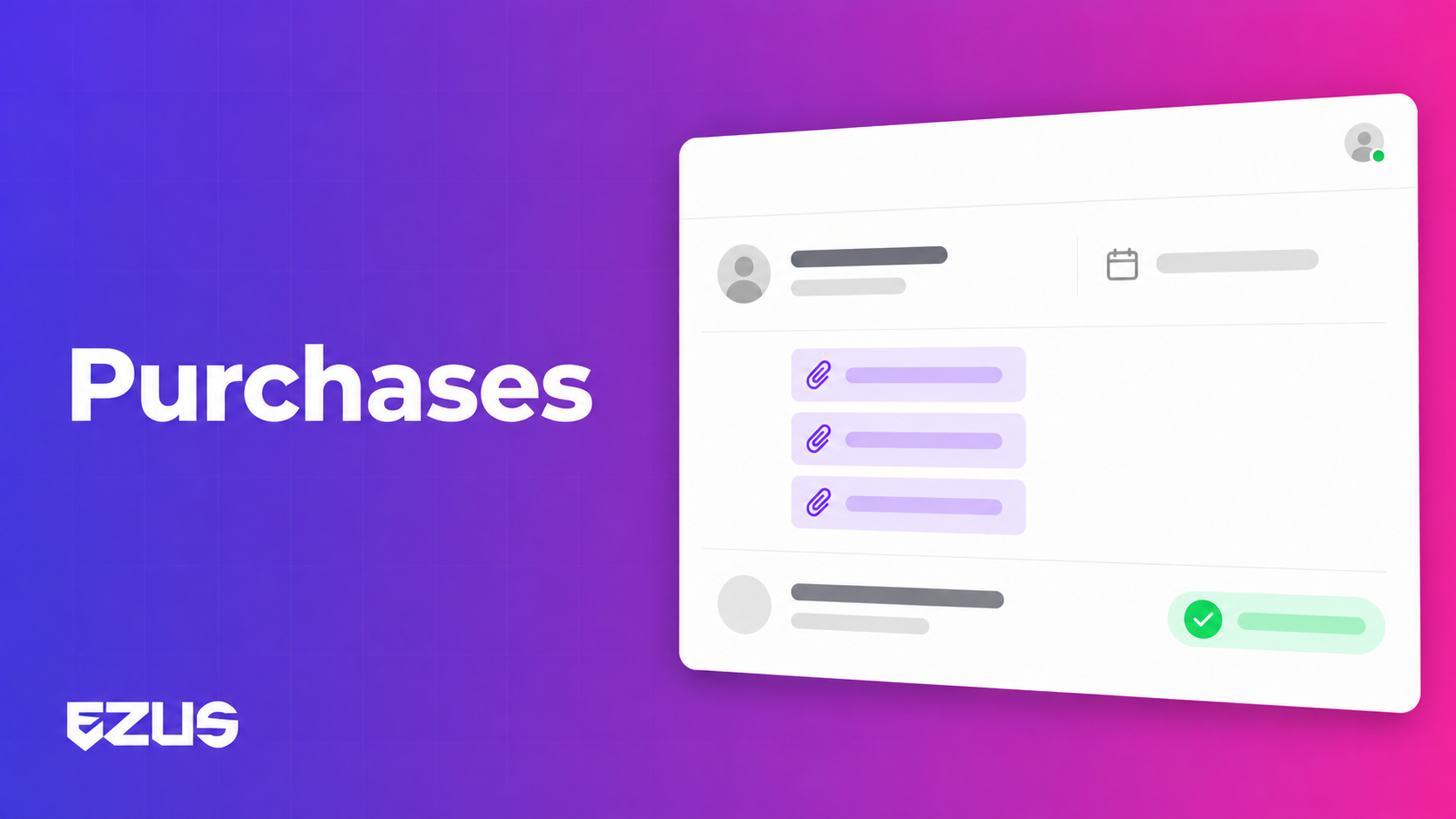
Purchase invoice lines now have a "final invoice" attachment column, on top of the existing attachment. The pro forma stays as proof of payment, and the final invoice sits next to it, with no duplicated line.
One supporting document per payment
Each payment on a supplier invoice can carry its own attachment: proof of transfer, receipt. Not just one file at invoice level anymore.
The service date, not the project date
An optional column shows the date each supplier steps in on the project. You check that your bookings are consistent without opening every file.
Filters to focus on what matters
- Optional products clearly flagged and filterable, so you only work on what is confirmed.
- Supplier status available as a filter.
- Brand and main alternative filterable, with Forecast purchases and Invoiced purchases columns.
💡 The "final invoice" and service date columns are not shown by default: add them via the three dots, then "Edit columns".
A real-life example
👉 A ground handler claims they never received the deposit for a tour in Jordan.
Before: you look for the proof of transfer in your bank, then the pro forma email, then you check in the project that the final invoice has not replaced the pro forma.
Now: you open the purchase line. The pro forma, the final invoice and the proof of transfer for the deposit are all attached to it. You reply with the right document.
What you gain day to day 🚀
- A complete purchase record, with no shared folder on the side.
- Disputes settled fast, proof in hand.
- More reliable booking checks on long or multi-stop trips.
- A purchase view that matches reality: confirmed on one side, optional on the other.
Good to know before you start ℹ️
- Once a supplier invoice is created, its supplier can no longer be changed: choose it carefully.
- The default due date is set in Settings > Budget.
- When you duplicate an alternative, Ezus can keep the purchase data (booking number, supplier status, notes, contact). This setting is enabled in Settings > Budget.
- The invoice export (XLS or CSV) follows the columns displayed: adjust them before exporting.
Supplier purchases deserve the same care as sales
On the client side, everything is tracked: quotes, invoices, payments. On the supplier side, supporting documents often ended up in a corner.
Attaching them to each purchase line gives your accounting and your operations the same version of the facts.
📖 See how to track your suppliers' invoices and payments
👉 Book a demo to see purchase tracking on your own suppliers.
.jpeg)

Join Ezus today
Request a demo today and discover how our software can help you reach new heights.
.svg)


.png)
.jpg)