


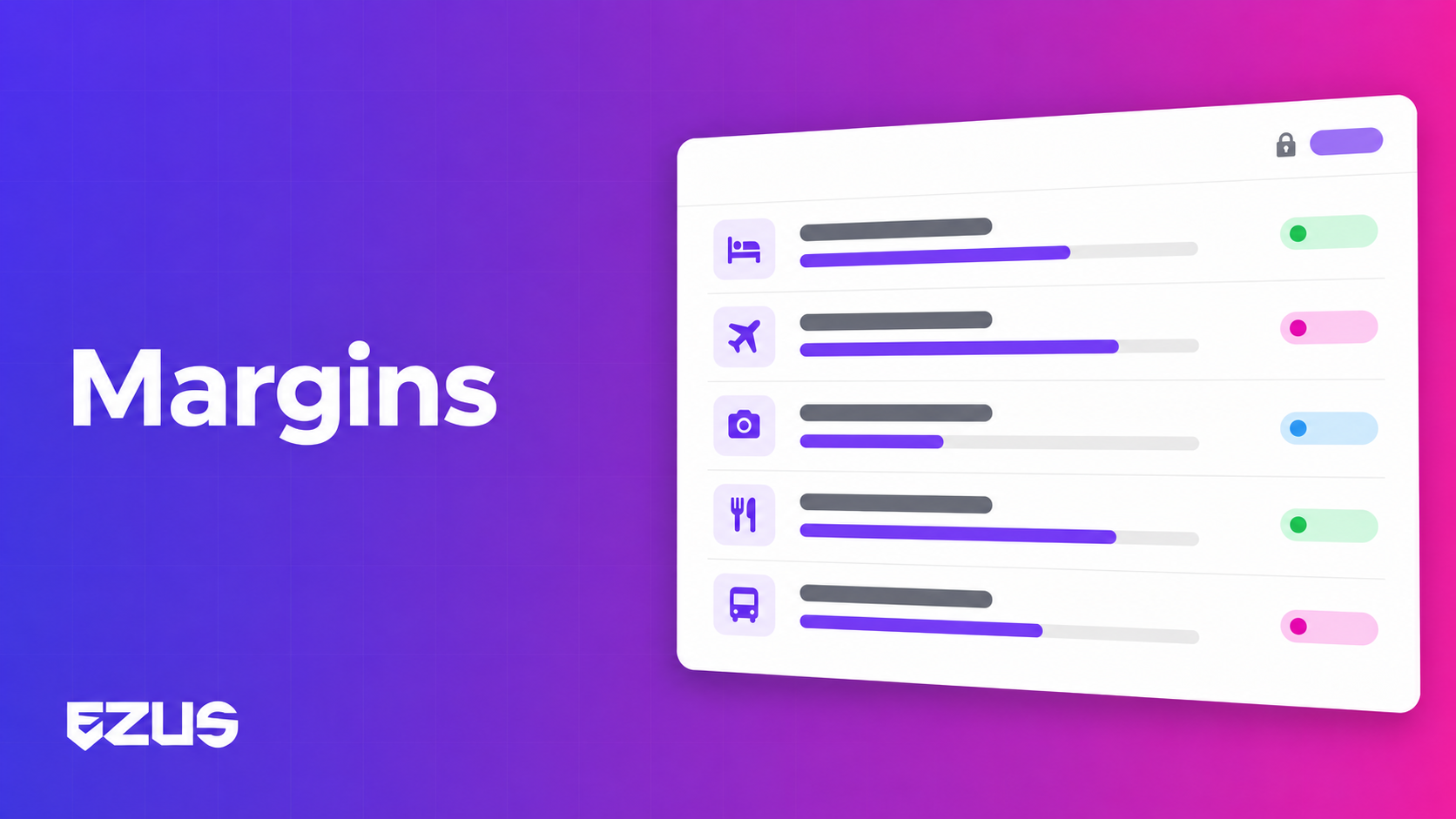
You know the overall margin on your project. But do you know which step carries it, and which one eats into it? 📈
And when a key account client has negotiated a rate, are you sure it is applied to every one of their projects, whichever Travel Designer prepares it?
Good news: Ezus now shows margin step by step, and applies a margin rate set per client.
The problem: an overall margin that hides the details
A tailor-made program mixes highly profitable services with others that barely break even. The total can look fine while one step is running at a loss.
- Margin is read too late. You discover it in the project review, not while building the quote.
- Negotiated rates rely on memory. Every Travel Designer has to remember the rate granted to each client.
- Comparing projects requires an export. Real margin does not appear in the lists.
What changes: margin visible where you make decisions 💶
Margin per step in the Program
The Program now shows the total margin and the margin rate of each step. You spot the most profitable items at a glance, along with those that call for renegotiation or a revised selling price.
A margin rate per client
Enter a margin rate on a client's profile, then apply it to their projects in one click:
- from the left-hand panel, next to the client's information;
- or from Program > Budget, using the Margin calculation button, by ticking "Force the margin calculation on the client's margin rate".
The project then switches to global margin calculation, and the rate is locked with a padlock in the project statistics. For a special case, untick the box: you keep the global calculation with another rate, or switch back to margin per product.
💡 This option is enabled in the settings, Budget section.
Margin in your project lists
The projects table now includes margin rate, invoiced revenue and real margin columns. You compare your files without leaving the list.
A concrete example
👉 A corporate client organizes three seminars a year with your agency, and you have granted them a negotiated margin rate.
Before: every Travel Designer has to know this rate and enter it manually. One slip, and the quote goes out with the standard margin.
Now: the rate is on the client profile. The Travel Designer applies it in one click, it is locked, and the margin per step immediately shows whether a hotel is dragging down the seminar's profitability.
What you gain day to day 🚀
- Decisions made before the quote, not at the review.
- Commercial agreements honored on every project, whoever handles it.
- Fewer data entry errors, thanks to the locked rate.
- A portfolio view: the real margin of your projects, right in the list.
Good to know before activating ℹ️
- Ezus offers two calculations: global (one rate for the whole project) or per product (one rate per service). Applying the client's rate switches the project to global calculation.
- The rate can be based on the purchase price or the selling price, depending on your settings. In Finances > Margin, it is always calculated on the selling price, so a gap between the two views is normal.
- Global calculation can be combined with retro-commission management on your products.
Margin is something you steer, not something you observe
In tailor-made travel, profitability is won or lost service by service and client by client.
Having both views while you build the program means moving from a margin you observe to a margin you steer.
📖 See how to set up your margin calculation
👉 Book a demo to see margin per step on one of your own programs.
.jpeg)

Join Ezus today
Request a demo today and discover how our software can help you reach new heights.


.svg)




.jpg)


